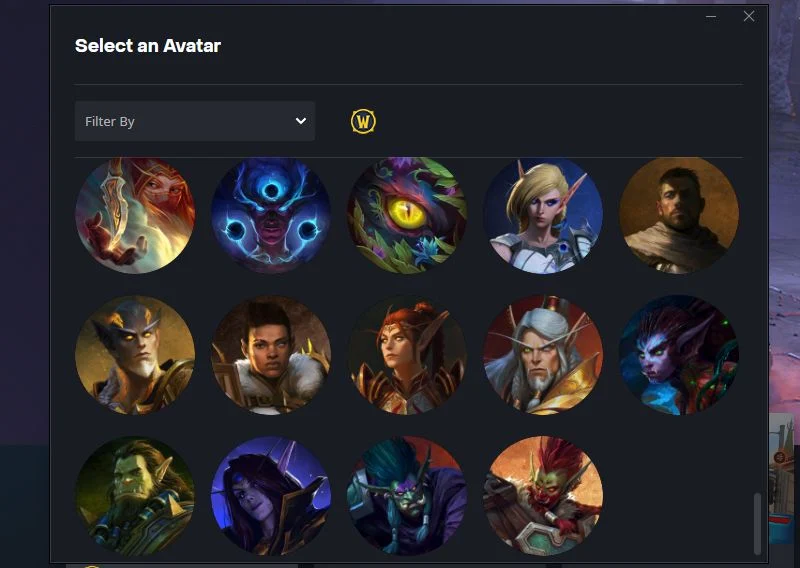
Blizzard has finally added a few new profile avatars to Battle.net.
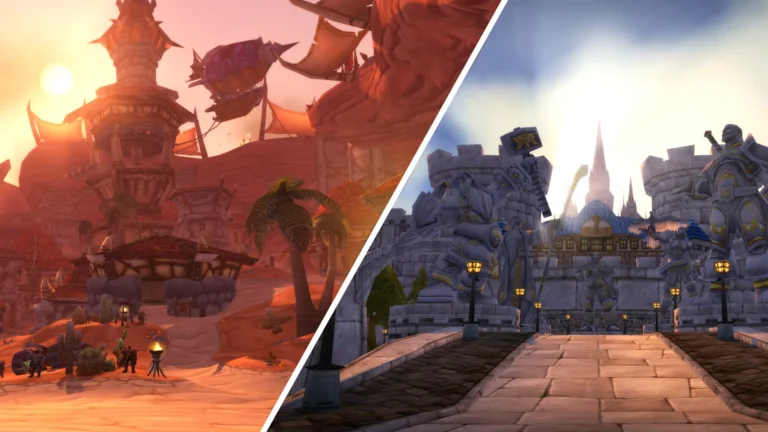
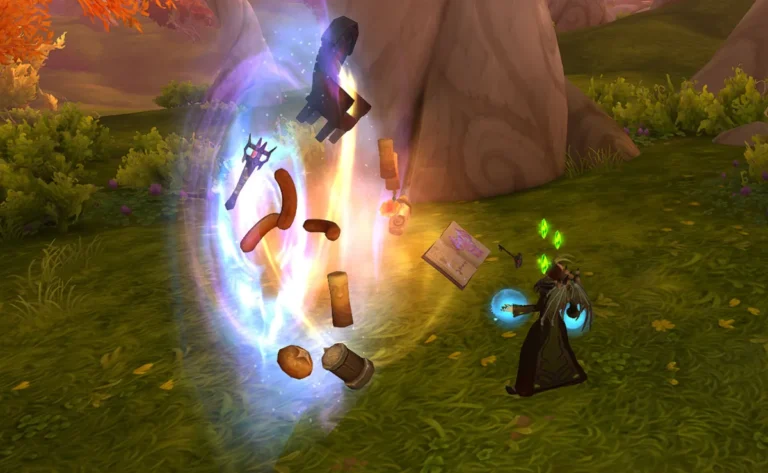
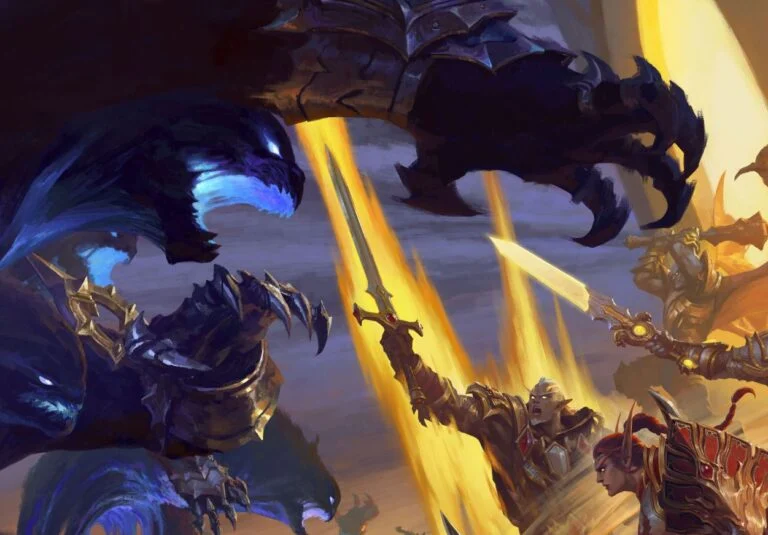
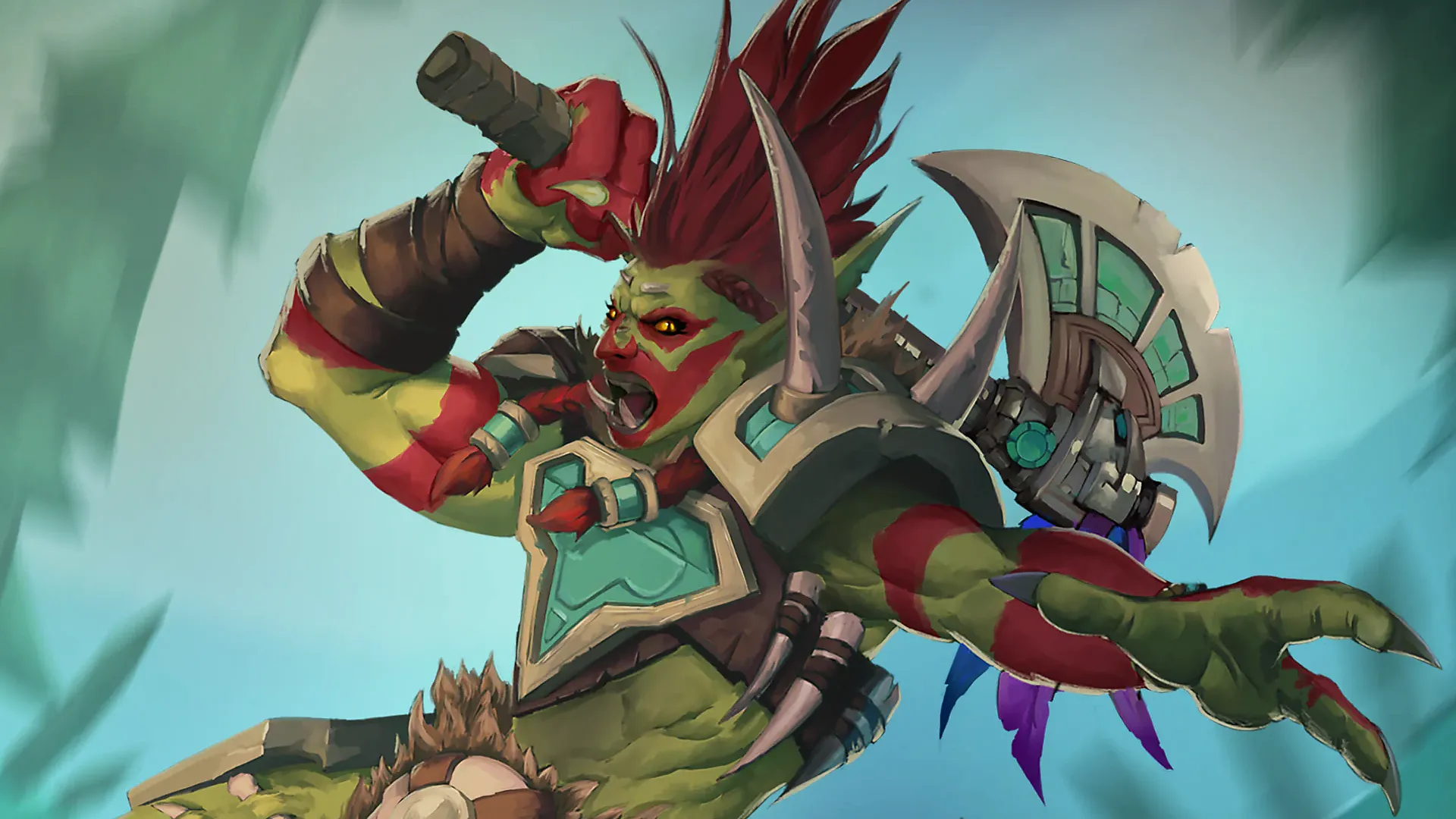
If you like refreshing the look of your account from time to time, there are multiple new character icons available now, including a number of additions from World of Warcraft. Quite a few fan favorites are now selectable directly from your profile settings.
Interestingly, some character icons have been added for figures who have not been heavily involved in the recent storyline. Thrall, for example. Is this a hint that he may play a bigger role in the Worldsoul Saga going forward? Time will tell.
On top of that, it is great to see that some players seem very excited about some of the additions. Zul’jan in particular has caught a lot of attention. You can see one example below, from Baal Samael on X/Twitter.
The tweet has already gained strong engagement, which goes to show that even small cosmetic additions like profile avatars still mean a lot to the community.
How To Change Your Battle.net Avatar
Updating your avatar only takes a few seconds.
Open the Battle.net desktop client and click your profile image in the top right corner of the app. From there, scroll through the available icons to pick your favorite.
You can browse all avatars across different Blizzard games, or use the drop-down menu in the top left to filter by a specific game. Select World of Warcraft, then scroll all the way down to find the newest additions.
That is it. Quick refresh, new look.
Which recently added icon is your favorite?
For more World of Warcraft updates, check out our WoW news hub.