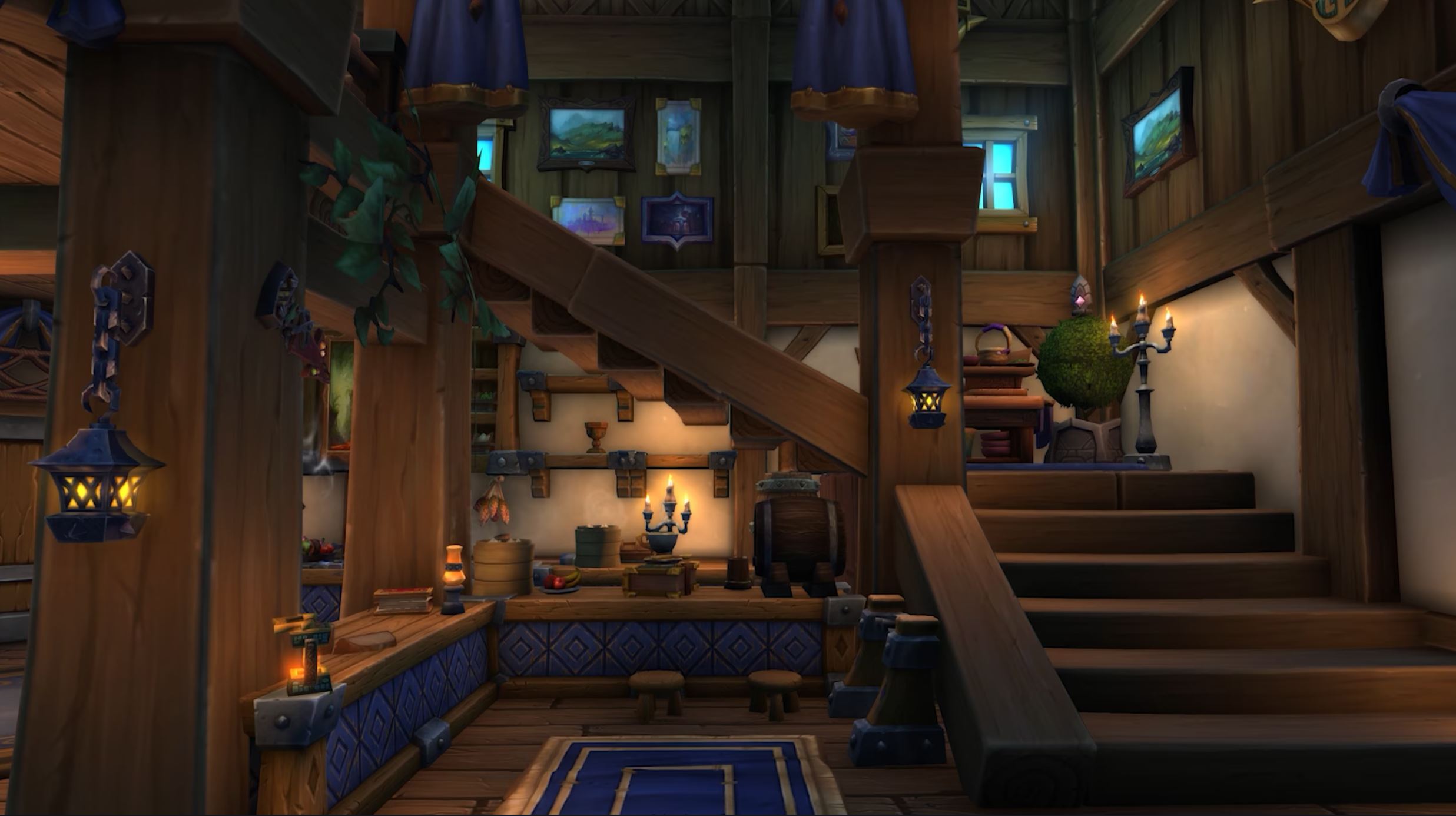
Housing is one of the best additions to WoW in a long time and players are going crazy for it. The creativity on display is enormous, as we’ve covered extensively since the patch came in. However, there are still features missing from it, and today we have a player add some functionality back in!
Fast Addition for the Same Item
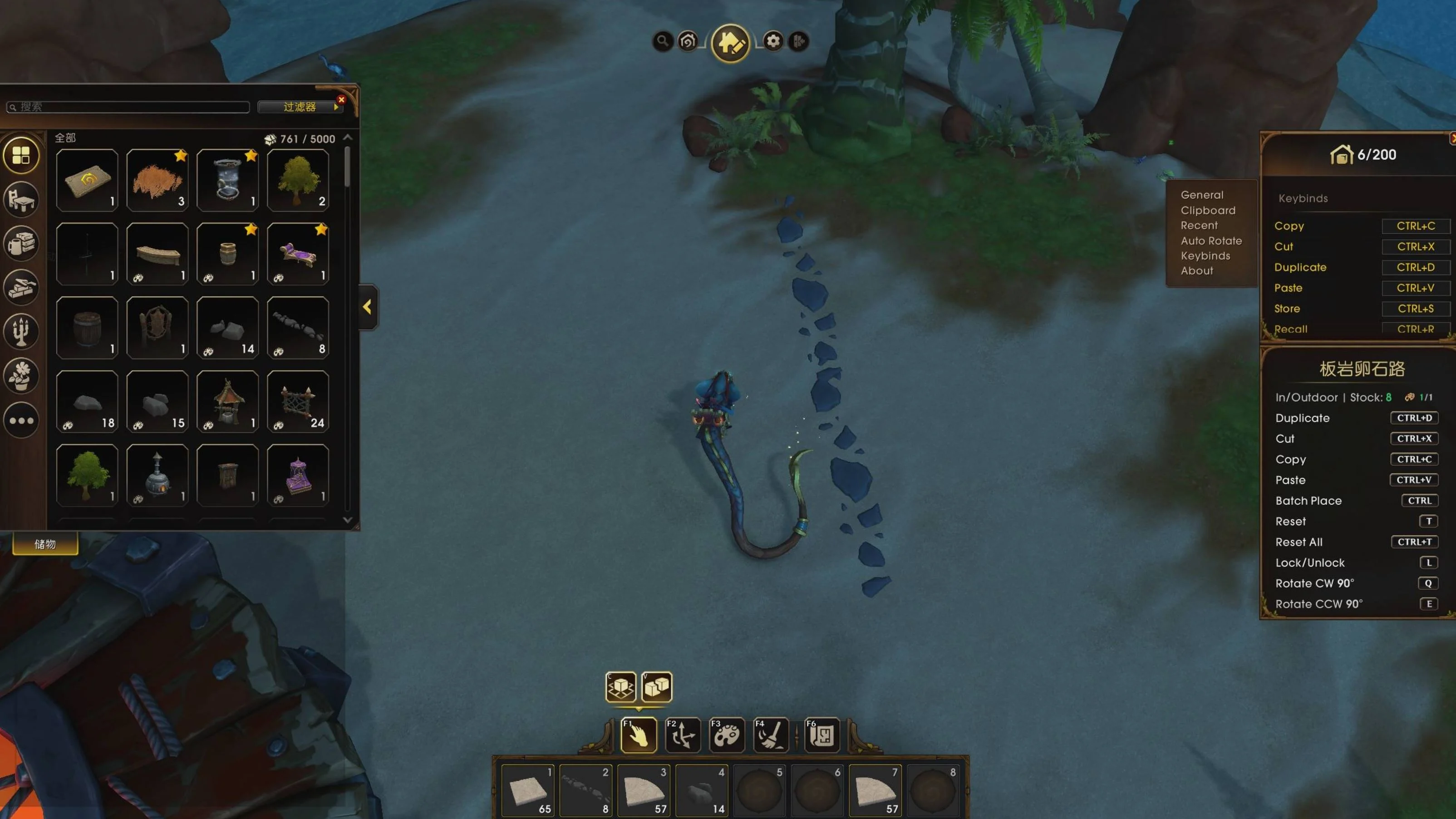
No-String1034 decided it was time for some much easier interaction when placing the same item in a row or if you wanted to copy an existing one! Advanced Decoration Tools allows you to use the standard Ctrl + C and Ctrl + P commands to replicate your decor, which is extremely handy. Not only that, by holding Ctrl, you can just keep placing the same item over and over again if you need multiple copies, like for a wall, fence, or anything like that! The addon is limited by the API, however, so any copies won’t have the scaling or rotation of the original. There’s plenty more features in it as well, to help with rotation and even add favorites to a quickbar!
Full Features
Here are all the features, as No-String1034 detailed:
- Ctrl+C / Ctrl+V: I added the standard shortcuts. You can now copy an item (Can’t copy scale/rotation due to Blizzard API restrictions.) and paste a new one from your bags instantly.
- The “Batch Place” Mode: If you hold Ctrl while placing an item, it automatically grabs the next one from your inventory. You can just click-click-click to build a wall instead of menu diving 50 times.
- Minecraft-style QuickBar: The catalog UI is too slow, so I added a QuickBar. You can drag your favorite decor into slots and hotkey them for instant access.
- Smart Rotation & Spirals: It remembers your last manual rotation, OR you can set it to auto-rotate by fixed steps (e.g., 15° or 90° after each click). This makes building spiral staircases or curved walls trivial—no more guessing angles.
- Favorites Filter: I got tired of scrolling through 10 pages to find the same chair. I added a Favorites system that stacks with the native filters (e.g., filter for “Chairs” + “Favorites” to just see your favorite chairs).
- Multi-Item Clipboard: Needed this for moving rooms. You can now grab a bunch of items (like a table setup) into a temporary clipboard to move them all at once. (Still have to place them one by one manually—Blizz API limits.)
You can grab Advanced Decoration Tools over at CurseForge.
Did you find this simple addon useful?