Midnight’s Early Access is nearly upon us, which means it’s time to do some spring cleaning, reset your quest log, and get your addons sorted before the servers are up! A little preparation now saves you hours of headaches on Day 1.
Here is a full to-do list of everything you should deal with before Early Access.
Update and Back Up Your Addons
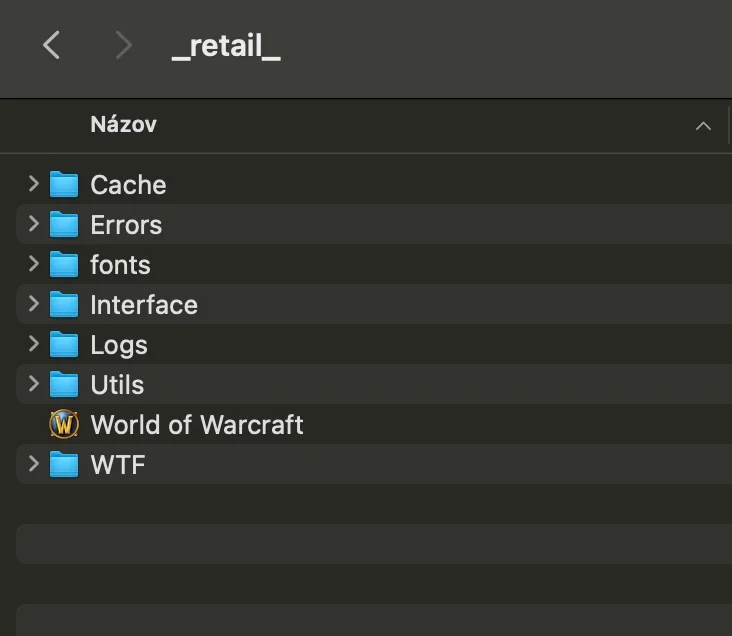
The obvious one — addons will break on patch day, it happens nearly every expansion. Before Early Access starts, make sure to back up your WTF, Interface, and Fonts folders so you have a safe copy of all your settings, profiles, in case something goes wrong.
Make sure you back up the folders mentioned above within the _retail_ folder. You can completely delete your Cache folder at this point.
Delete These Folders to Instantly Free Up to 50+ GB of Space
Close your Battle.net and delete World of Warcraft’s Data/indices and Data/config folders.
Battle.net doesn’t clean up outdated files in both directories, and over time, they can bloat to 50 GBs or more. The actual storage size you’ll save depends on how long you have WoW installed on your machine.
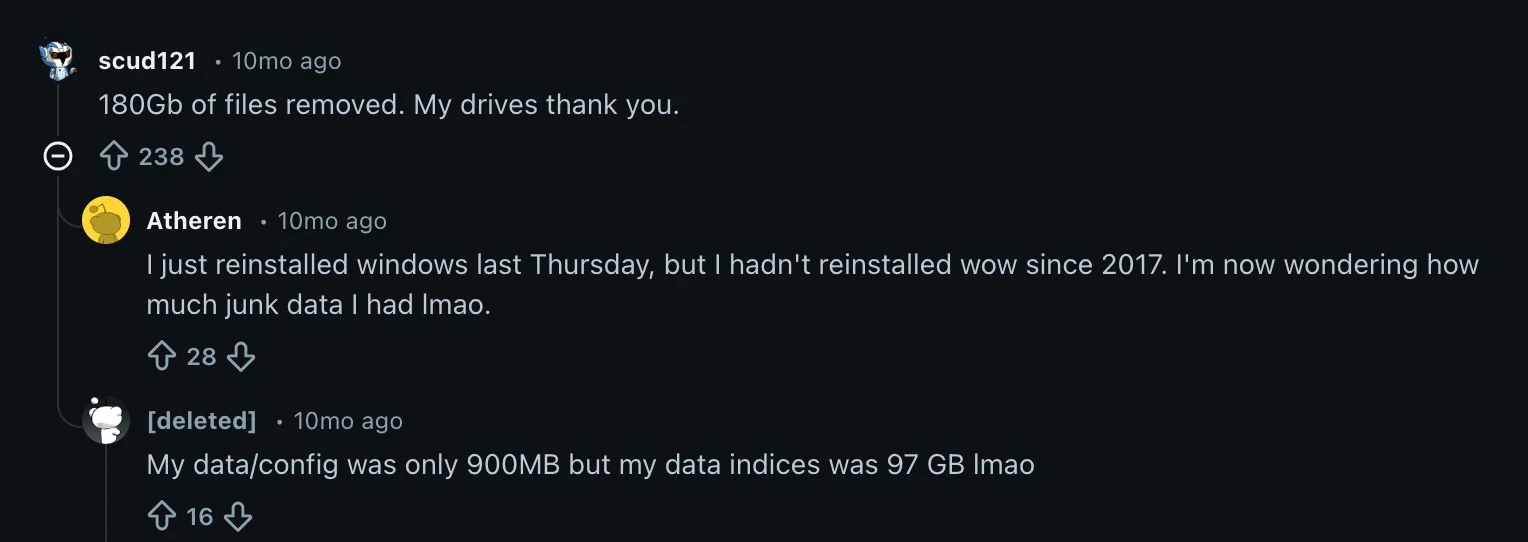
When you re-open Battle.net, it will download roughly 100 MBs and you’re good to go.
WARNING: DO NOT delete the Data/data folder in your World of Warcraft’s directory. This is the main folder with all the game files shared across all versions of the game (_retail_, _ptr_, _beta_, and so forth).
Clean Up Your Quest Log
The in-game quest log has a cap that you don’t want to hit when you’re picking up new Midnight quests. You don’t have to abandon quests manually! Here’s a very useful macro that does it for you. Simply, paste it the chat.
/run for i=1,C_QuestLog.GetNumQuestLogEntries() do local d=C_QuestLog.GetInfo(i) if d and not d.isHeader then C_QuestLog.SetSelectedQuest(d.questID) C_QuestLog.SetAbandonQuest() C_QuestLog.AbandonQuest() end end
Use the macro carefully, it abandons everything, including any progress you might want to keep for long quest chains.
Clean Your Bags, Bank, and Mailbox
Bag space matters a lot during Early Access when you’re picking up new gear and materials. If you’re not sure about any of the items, put them in the Bank for now. Don’t forget your mailbox. Grab everything before launch so nothing disappears.
Extra Tip: If you have Enchanting, make sure to disenchant all the worthless gear now and sell the mats before Early Access launches to get at least some Gold.
Get Your Characters Ready
If you own an alt army, make sure they’re in Stormwind/Orgrimmar. Check your rested XP. If an alt has been logged out in a city or inn for ages, they should have a full rested bar. If not, park them in one of the major cities now and let rested XP build.
Set Up Questing Addons and Macros
Download Leatrix Plus or a similar addon that can auto-accept and auto-complete quests, which saves a surprising amount of time. Enable auto-loot if it isn’t already on, using the following macro:
/console autoLootDefault 1
Stock Up on Consumables
Get your hands on some  Goblin Glider Kits if you can and potions/items that increase your movement speed.