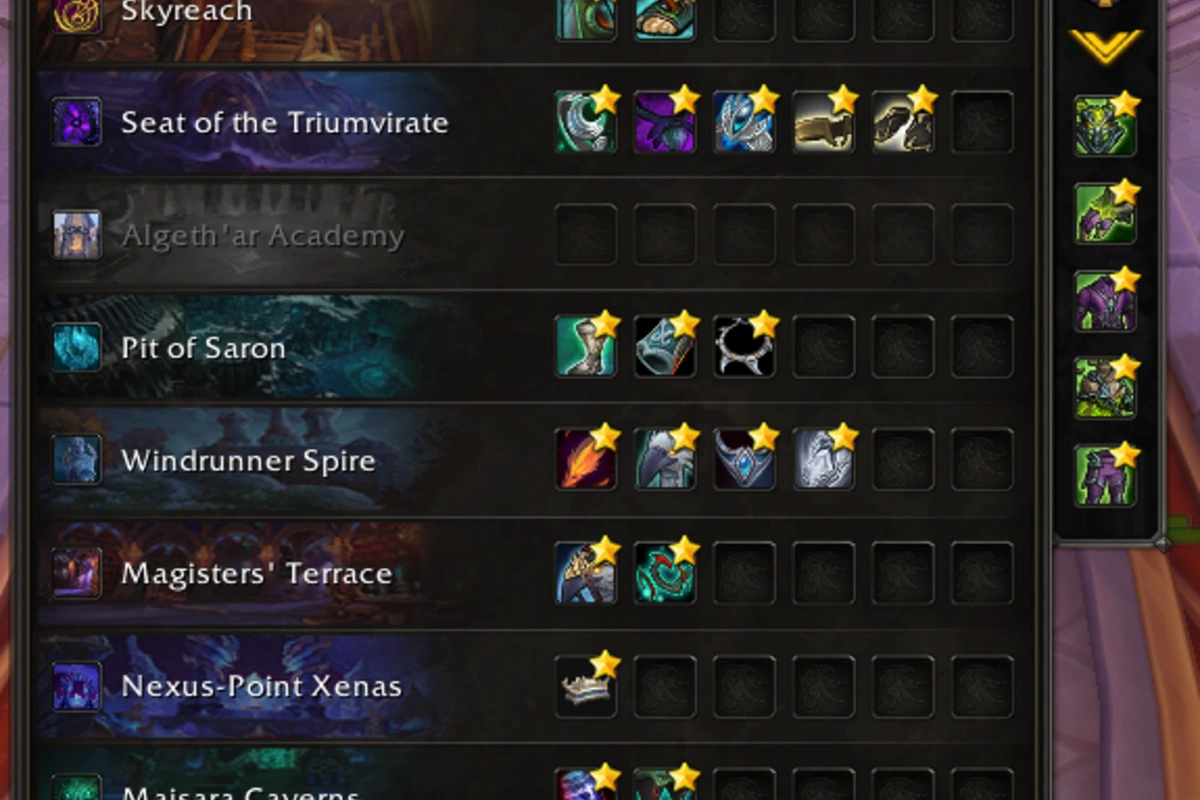
Players looking for a specific way to track gear they need have a new add-on that does it all in-game: Keystone Loot.
How It Works
Players select their spec from the top left dropdown menu. This lets the addon filter gear available to them from both dungeons and raid bosses. From there, players are able to click gear they wish to favorite.
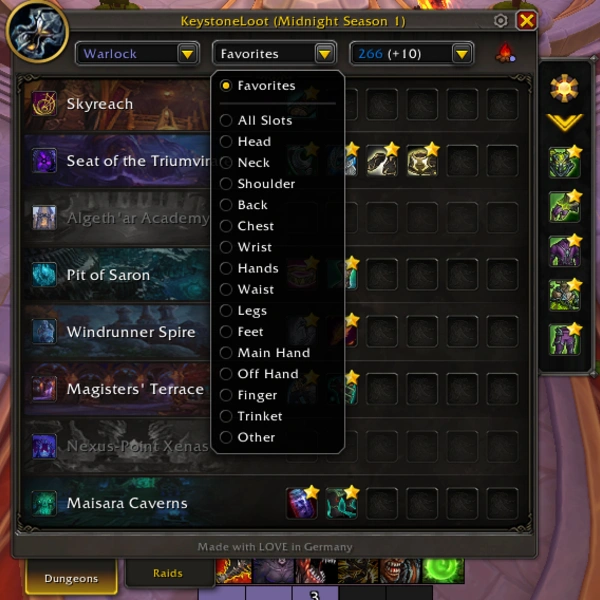
Players can filter gear by slot, as well as an “other” category for mounts and housing decor.
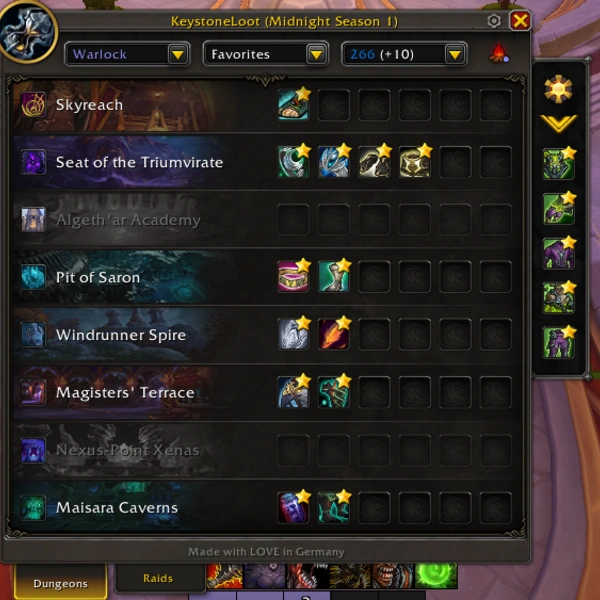
Once players have favorited all of the gear/decor/mounts they’re looking for, the favorites filter will show players which dungeons and raid bosses contain the most loot.
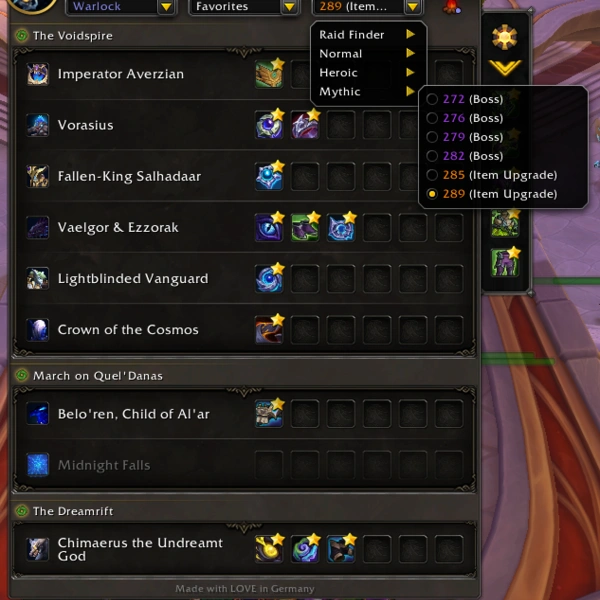
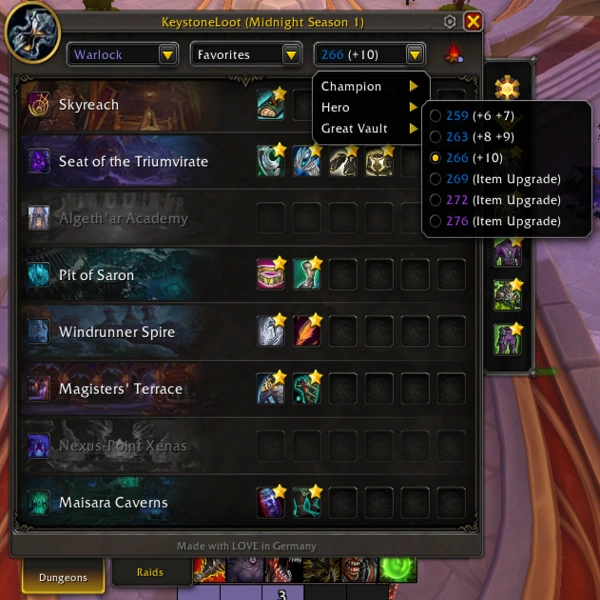
Gear can also be filtered by item level by using the top right drop down menu. Players can select any gear level, so you’re able to see the stats for each piece at all upgrade levels.
You can also easily cycle through your warband on the top right using the fireplace icon.
Within the settings, you can select which secondary stat(s) to target. By default it’s set to all.
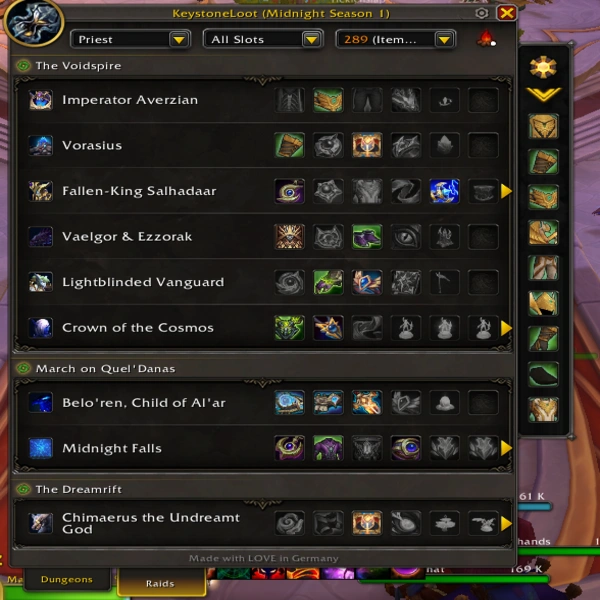
Filtering For Dungeons and Raids
Gear filters for dungeons are not only broken down by gear level, but also highlight which dungeon level that gear drops from.
For example, if you’re farming for heroic gear, the add-on tells you that 259 gear drops from +6 and +7, 263 from +8 and +9, and 266 from +10.
For raids, gear is simply filtered by difficulty.
Content Creator Luxthos created a rundown highlighting the features.