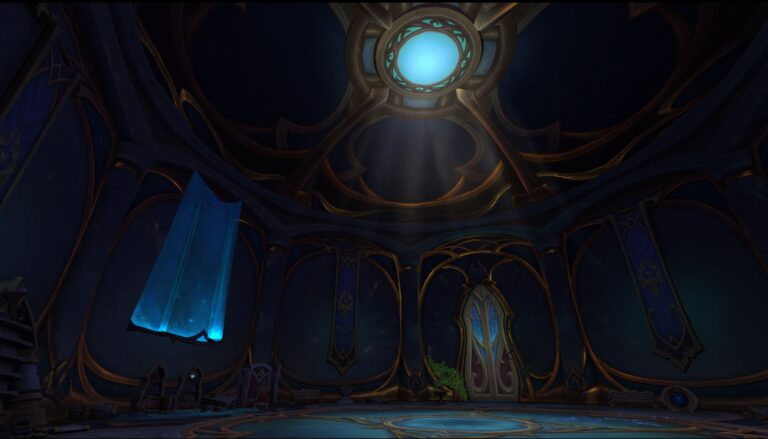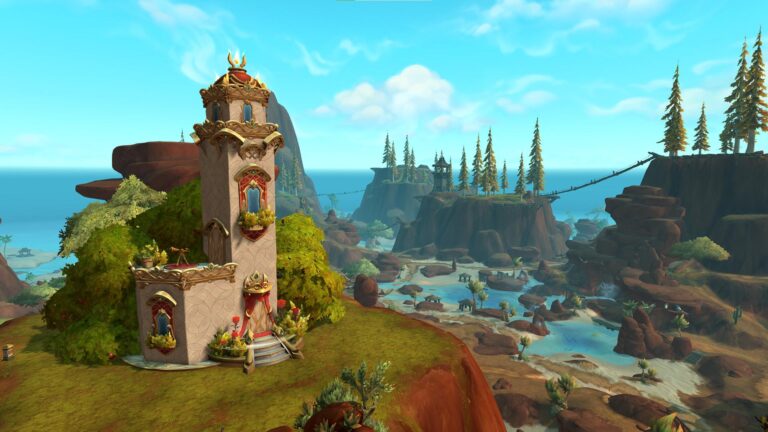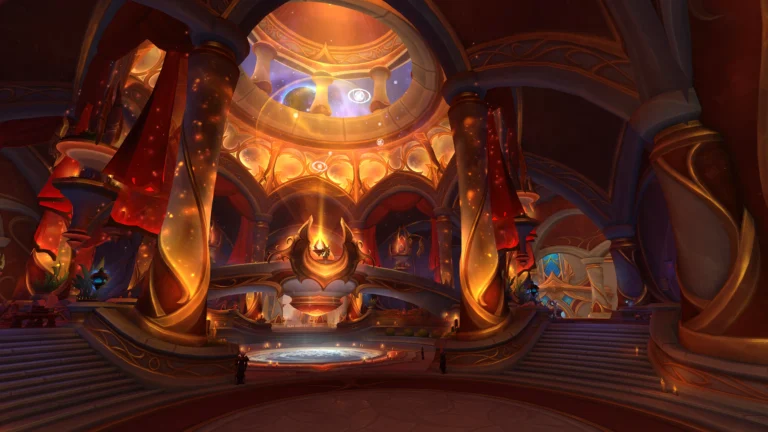
It’s time for another very handy addon. This time it’s all the camera tools you could ever want!
A Light but Very Useful Package
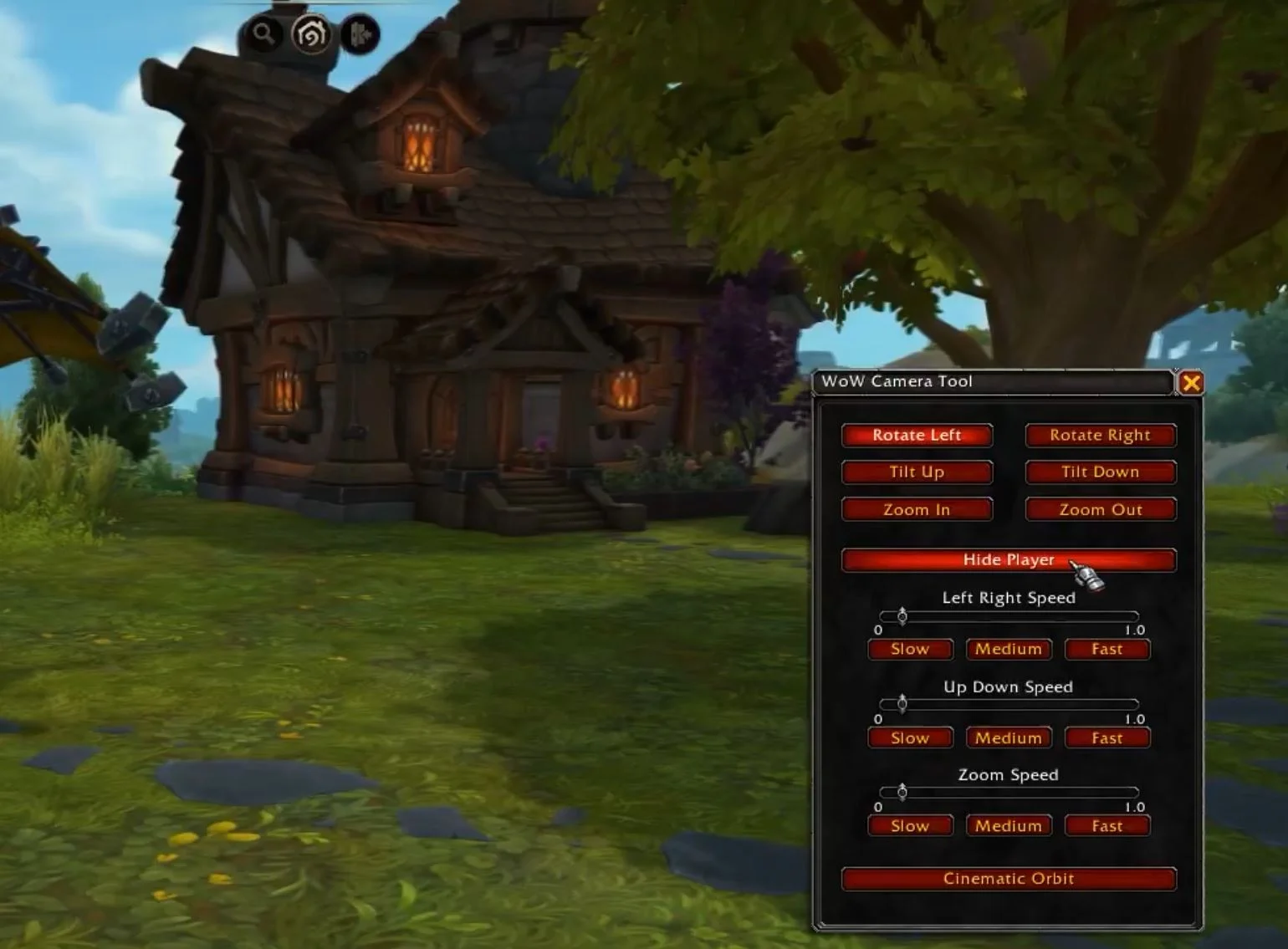
Whether you’re a screenshot-taking addict, a short video creator, a full-on machinima maker, or a role player, this one’s for you! MrGM made the WoW Camera Tools addon, which gives you a lot more control over, well, the camera. From the basic rotating, tilting and zooming, to speed sliders for automatically doing all of those for some smooth cinematic looks, hiding the player, orbiting, and more, there’s plenty to get from this light addon.
You can see the addon in action below and you can download it here.
The full features
Camera Controls
- Rotate Left and Rotate Right buttons
- Tilt Up and Tilt Down buttons
- Zoom In and Zoom Out buttons
- All movement buttons can be toggled on or off
- Works without restricting character movement
Speed Sliders
- Independent sliders for rotation speed
- Independent sliders for tilt speed
- Independent sliders for zoom speed
- Preset buttons for each slider: Slow, Medium, Fast
Cinematic Orbit Mode
- Automatically starts a gentle rotating orbit
- Adds a light upward tilt
- Slowly zooms the camera out
- Perfect for cinematic captures
- Click again to stop all motion
Hide Player
- One click option to hide or show your character model
- Ideal for clean screenshots and scenery shots
Minimap Button
- Uses a standard minimap icon framework
- Fully draggable on the minimap edge
- Left click to open the tool
- Right click to stop all camera movement
- Remembers its position between sessions