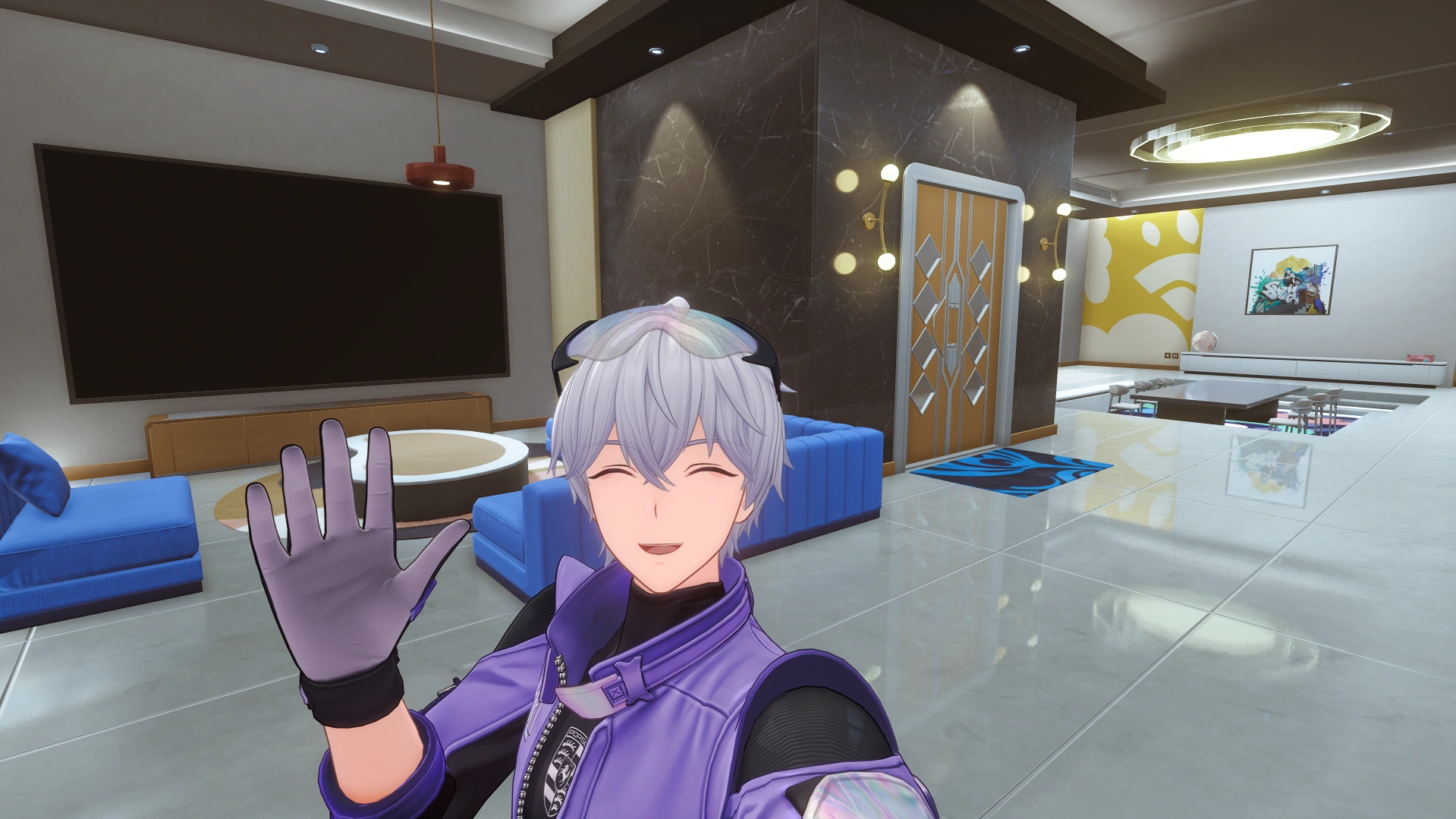
Neverness to Everness has expanded on their property system with the launch of Version 1.2. The biggest addition is the inclusion of a blueprint system. The system allows you to save your home layouts to easily switch between or share the designs with other Appraisers.
How to Access the Blueprint System
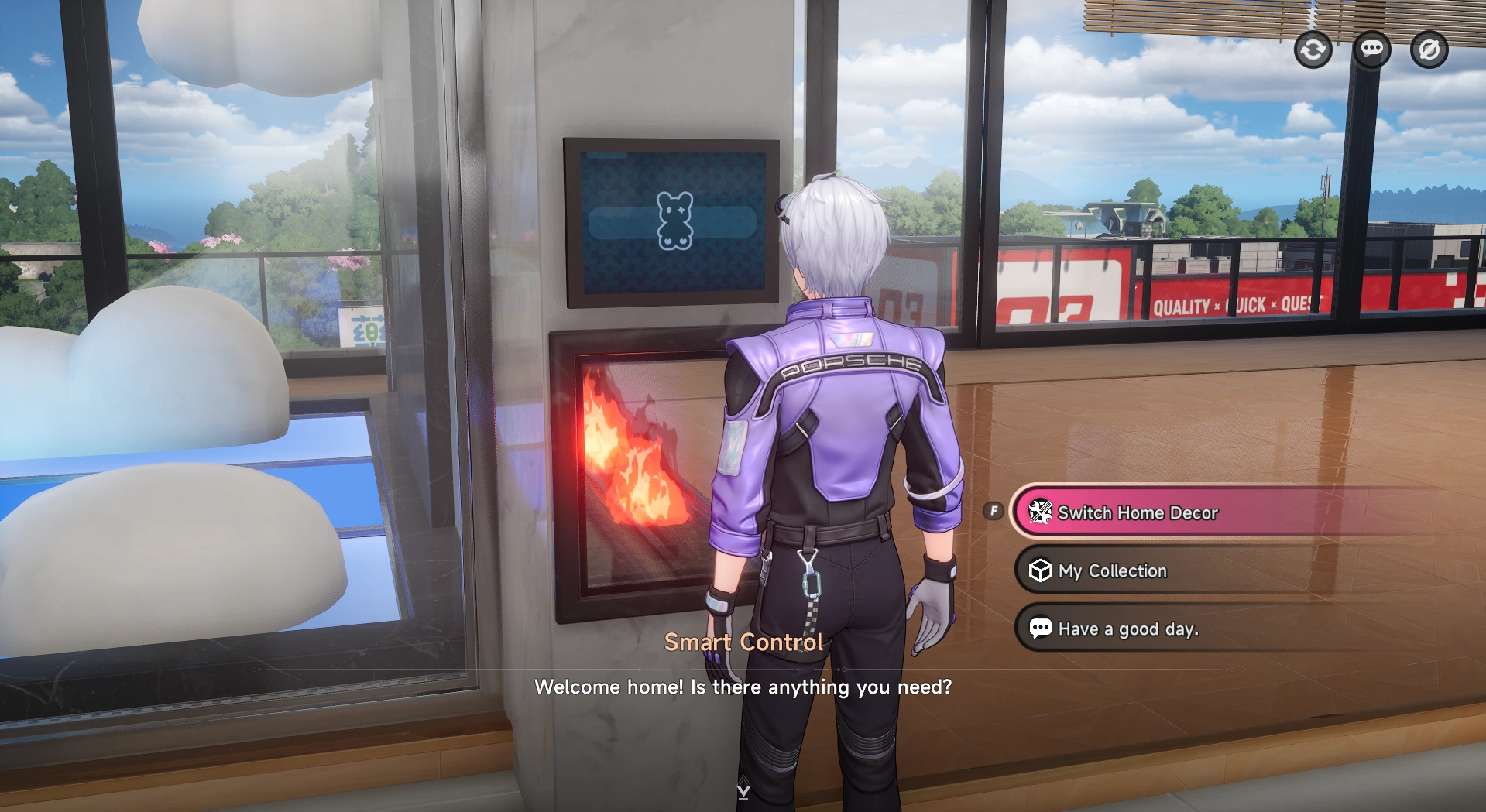
Simply head over to the smart control panel in any of your homes. Once you open the control panel, select Switch Home Decor to open the design interface.
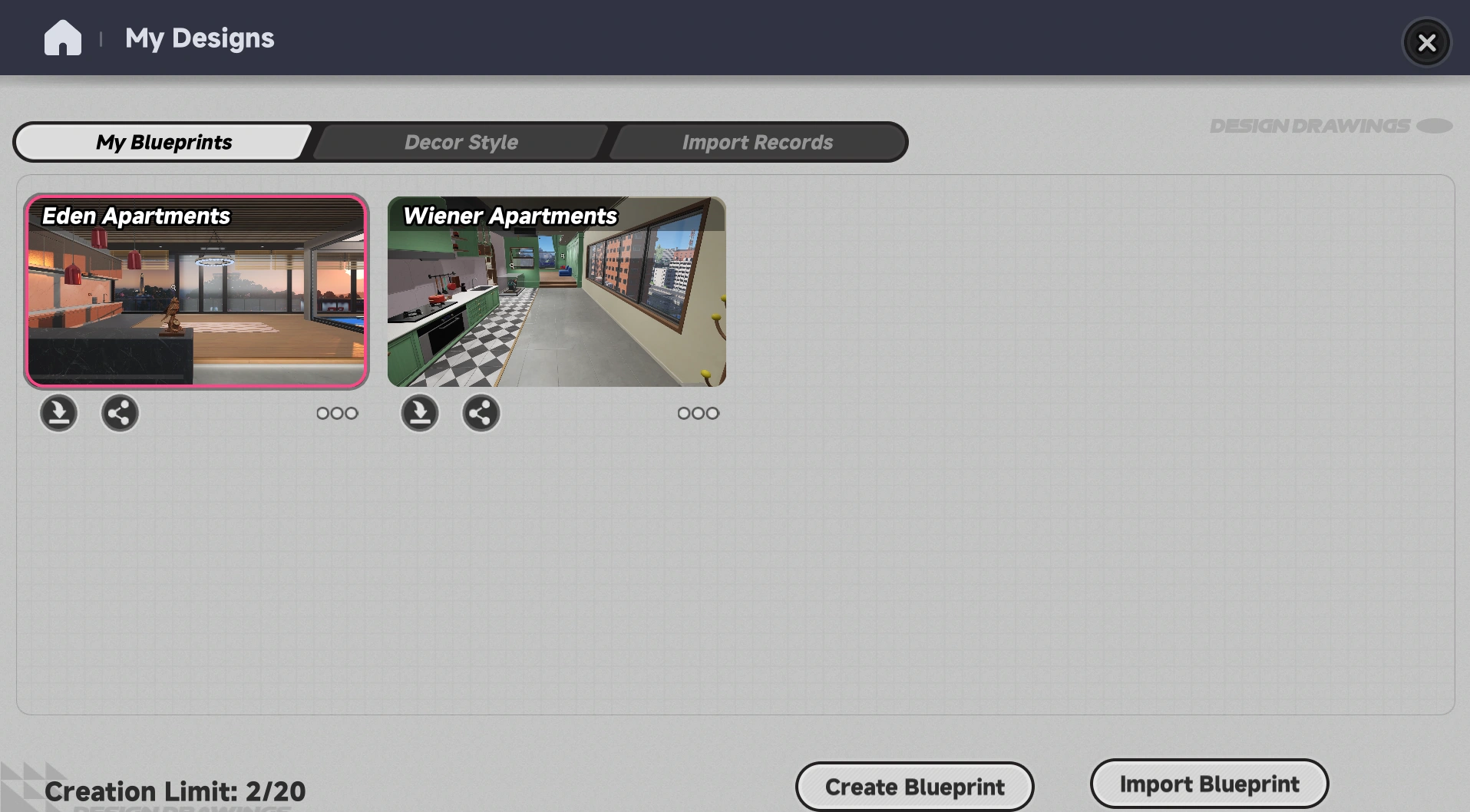
This allows you to create a blueprint from your current layout and change the decor color of the house. To make a blueprint, simply click Create Blueprint. After that, the game will create a unique Blueprint ID you can copy and share outside the game. At the same time, use the quick share option for NTE’s Bagel social media to share your blueprints in game.
Importing Blueprints
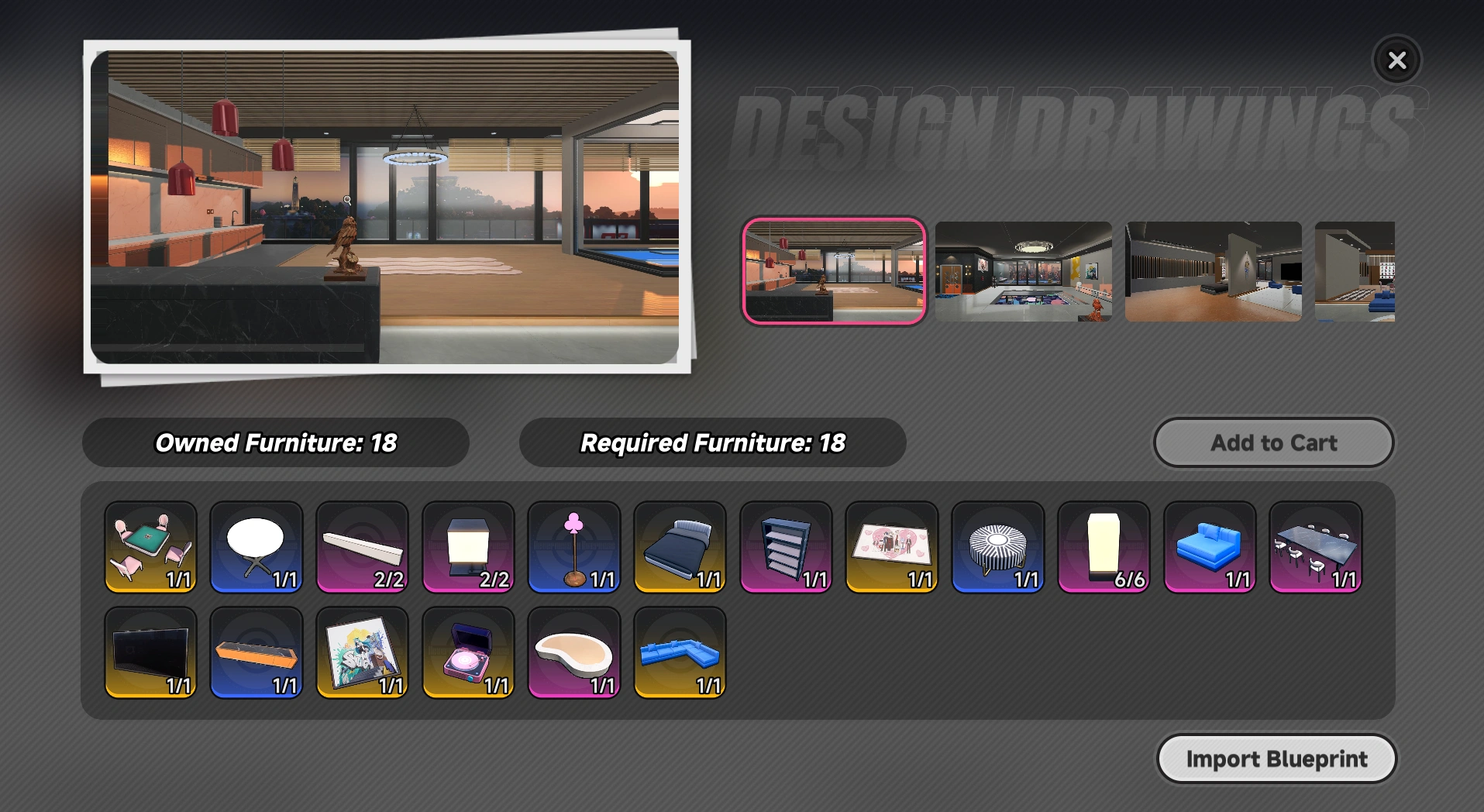
Importing Blueprints is easy: simply open that design interface and select Import Blueprint. Then, paste the design code of the layout you wish to use and click import. Additionally, to import a blueprint you already saved, you just need to select the import button below the blueprint.
When importing blueprints, you might not have all the required furniture. NTE makes this easy as well! Select the add-to-cart option to add everything needed to a shopping list. Then, you can travel around the city, easily collecting what you need. After you have all the furniture, simply import the blueprint again and it will build the blueprint.
Blueprint Contest
To go along with this new feature, NTE Global is running a Blueprint contest on their X account. Appraisers can share their blueprints for a chance to win Annuliths, Fons, and Beetle Coins. This contest ends July 21st, so better get designing!
For more guides and information, check out the latest Neverness to Everness news on Icy Veins!