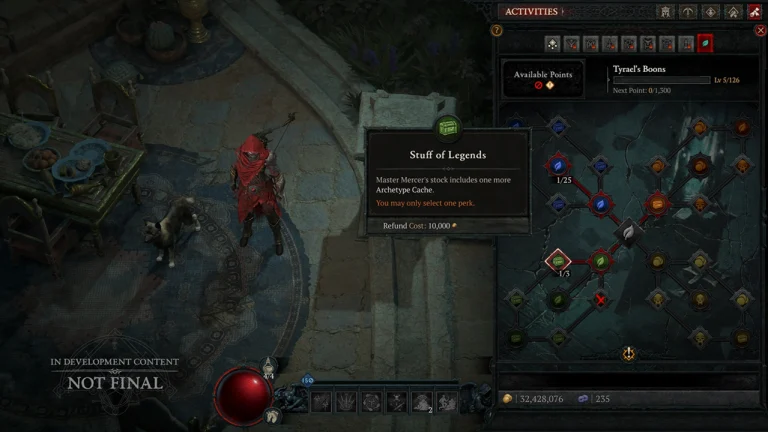
The Diablo 4 Season 16 PTR starts on Monday, October 27 at 10 PM PDT and ends on November 3 at 10 AM PST. It’s PC-only and available to anyone with Diablo 4 on Battle.net account.
Diablo 4 Season 16 PTR Start and End Times
Here’s exactly when the Season 16 PTR will start and end in your time zone. Do keep in mind that Europe changes clocks on October 25 and the US on November 1.
| Region | PTR opens | PTR closes |
|---|---|---|
| PDT / PST (US West) | Mon, Oct 27, 10:00 AM | Tue, Nov 3, 10:00 AM |
| EDT / EST (US East) | Mon, Oct 27, 1:00 PM | Tue, Nov 3, 1:00 PM |
| UK | Mon, Oct 27, 17:00 | Tue, Nov 3, 18:00 |
| CET (Central Europe) | Mon, Oct 27, 18:00 | Tue, Nov 3, 19:00 |
| AEDT (Sydney) | Tue, Oct 28, 04:00 | Wed, Nov 4, 05:00 |
How to Install the Diablo 4 PTR
Here is a detailed step-by-step guide on how to join the testing provided by Blizzard.

Here are the steps to join the PTR:
- Open the Blizzard Battle.net App and select Diablo IV from your Games list.
- In the selector above the Play button, there is a game version drop down menu.
- Select the Public Test Realm option
- Click Install to Install the PTR client. This becomes a Play button when ready.
- Click Play to log in to the PTR, and select any of the available Test Servers.
- Create a new test character.
- Note: Create a Seasonal Character for any testing related to the Seasonal themes.
- Enter the game and test the 3.3.0 PTR!
If you’re a PC Game Pass or Game Pass Ultimate user, you’ll be able to access the PTR through the same flow as other Battle Net users. Access the Battle.net client through the Xbox App, then continue to access the PTR through Battle.net.
For more details on what’s available for testing, please, check out the official Season 16 PTR notes.