World of Warcraft: Midnight has arrived, and with it, a long-anticipated feature: player housing. If you have yet to explore player housing to its fullest extent, set yourself up for success with this short primer on getting started with your own cozy house in Azeroth. For a more in-depth look at every aspect of Midnight player housing, visit our guides!
Player Housing GuideUnlocking Housing
Luckily, unlocking the Midnight housing questline is very simple! The starter quest, A House For You, pops up immediately upon your first login. In the following quests, you will learn how to find the neighborhood portals in the Stormwind or Orgrimmar portal room, how to navigate your neighborhood, picking a plot, and finally, decorating basics.
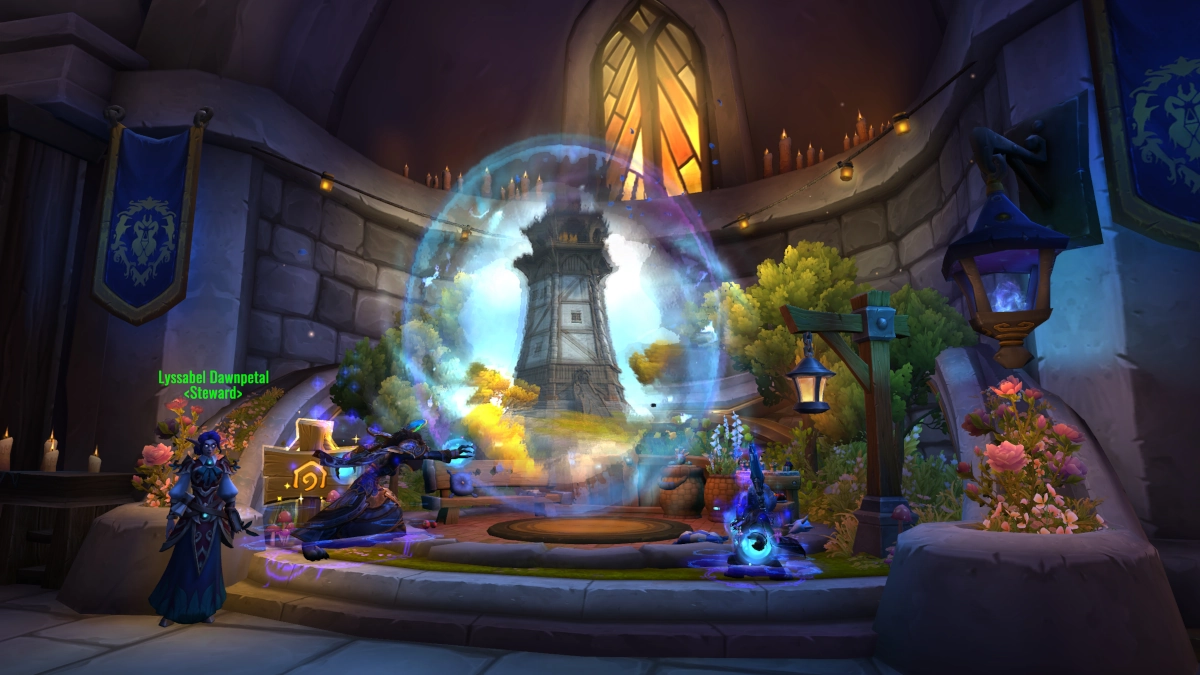
Each faction’s neighborhood offers a whole host of different biomes, providing plots with moods and views as varied as Azeroth’s zones themselves. If your favorite plot is already taken in one public neighborhood, click the “House Finder” option in your Housing Dashboard (natively bound to H) to find another neighborhood with that plot available.
Moving is simple, easy, and best of all, FREE, so finding another view later on is also no problem at all.
First Steps
When you’ve picked your plot and the game has plopped your starter house down, the fun really begins! After completing your housing quest chain, you are fully in control of every last detail of your home.
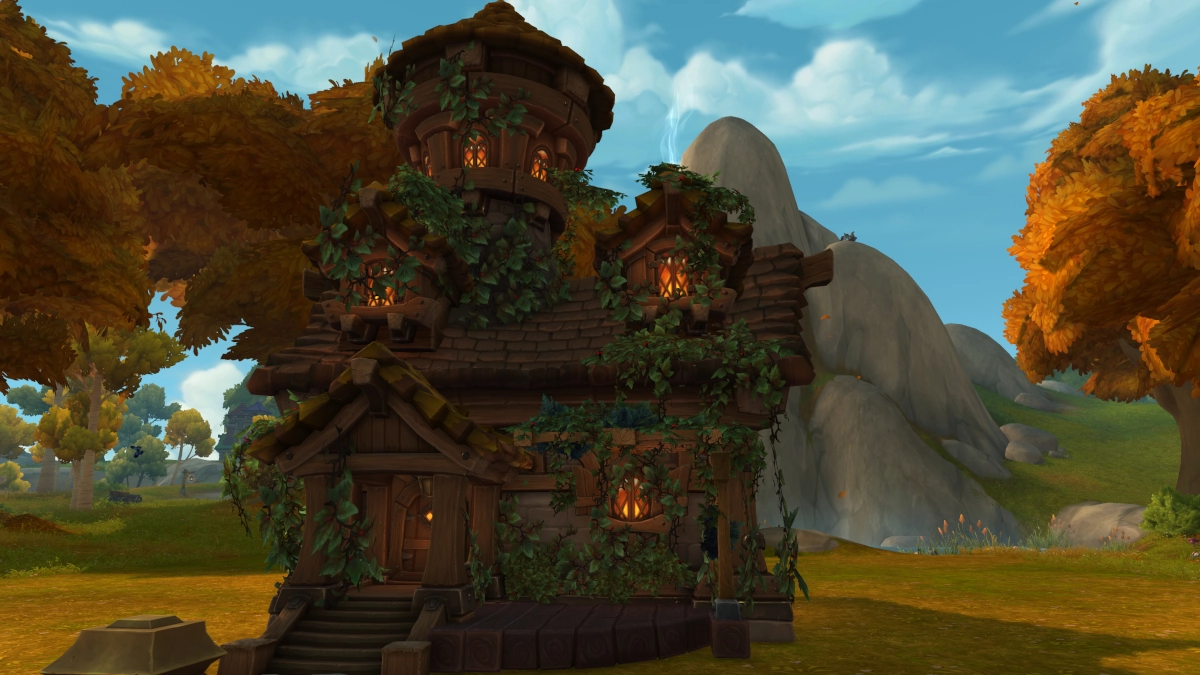
You may want to get right to work on your home’s exterior; not only can you place housing decor outside in your yard (with some exceptions), but you also have a number of extra exterior customization options for adjusting the shape, color, window orientation, and MORE on your home. Match your windows to your roof, if you would like…or choose chaos. You can even pick up the whole building and move it anywhere within the bounds of your plot.
Exterior Customization GuideMaybe you have been itching to get working on the interior of your home after playing through the decor tutorial quest. Interior customization is just as expansive, allowing custom room layouts alongside a variety of wall, floor, and ceiling options.
Interior Customization GuideWhen you love your room layout, the real fun begins: decor! On your first login after Midnight’s release, you will have been rewarded any decor from past achievements, so you will likely have a hefty Decor Catalogue, even if you have not yet started collecting. Plop a few pieces of decor down with the basic placement tools, or use advanced placement to size, tilt, and shimmy every piece to your heart’s content. Some items are even dyeable, adding yet another vast array of options to make your home unique.
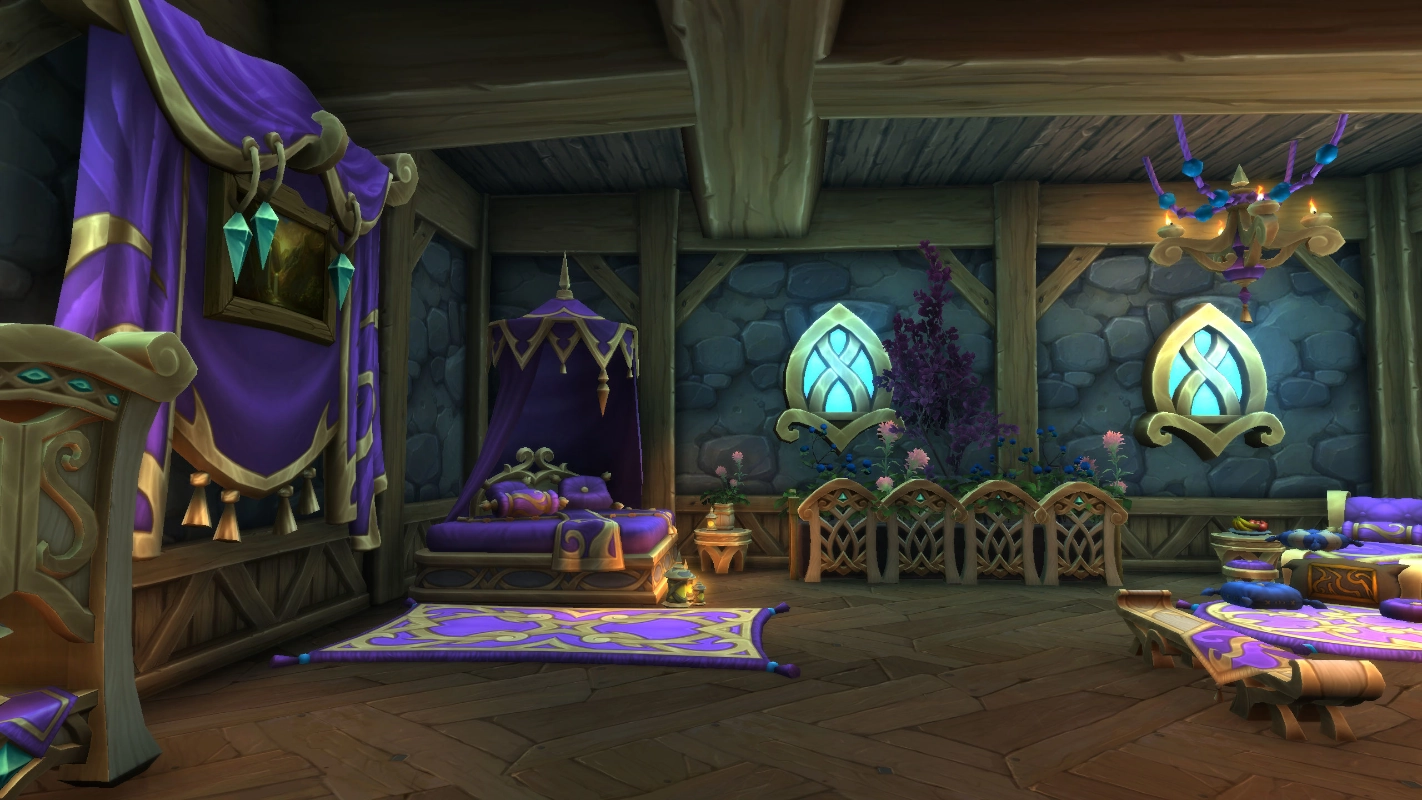
If you find your Decor Catalogue is lacking, worry not! Questing and adventuring in Midnight will award you plenty of new items to decorate your space.
An Extra Tip
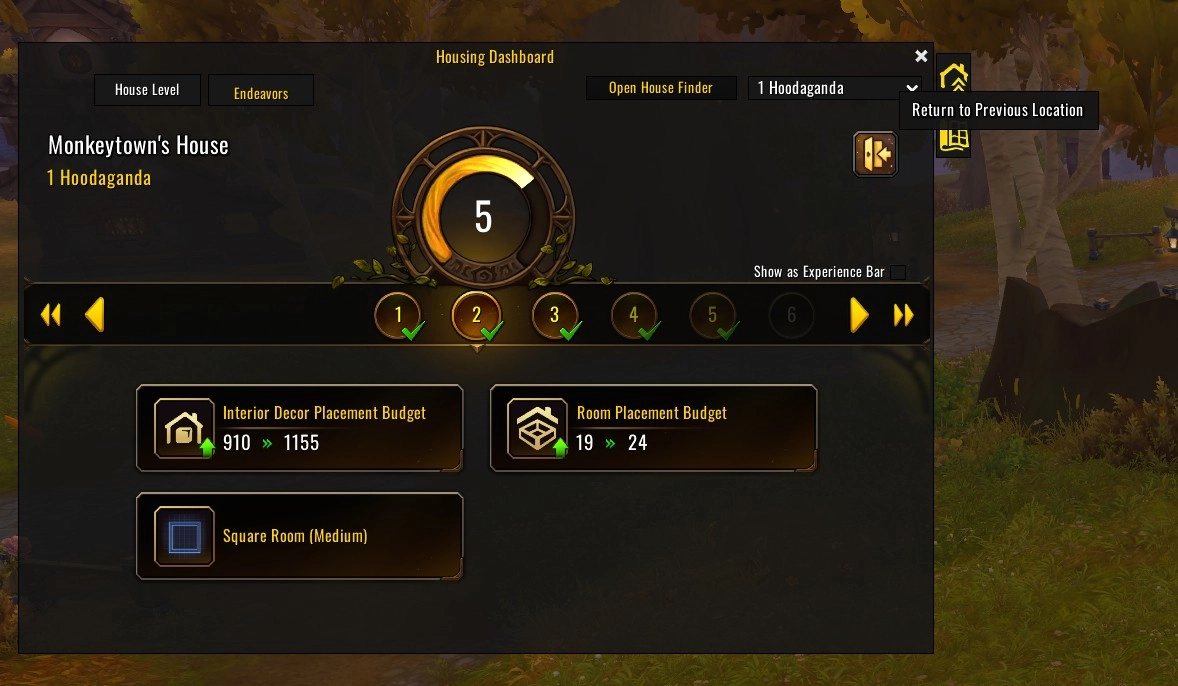
One especially handy feature that arrived with player housing is the Teleport Home button, a Housing Hearthstone located in the upper right corner of your Housing Dashboard. Teleport Home will take you to your desired home (depending upon which address you have selected at the top of your dashboard). When utilizing this hearth to go back to your Neighborhood, Teleport Home has a 15 minute cooldown. However, Teleport Home can also conveniently take you BACK to your previous location in Azeroth, even if you have only just used it to come home. Just select “Return to Previous Location,” and you will find yourself back where you started. If you need to run back to your neighborhood, or even back to a capital city, and your traditional Hearthstone is down, Teleport Home just may come to the rescue!