Ping System Guide
The new World of Warcraft Ping System allows you to efficiently communicate with teammates. The following guide explains how the system works in detail.
Introduction
Patch 10.1.7 adds a new Ping system to World of Warcraft that allows you to quickly communicate with your team without having to use voice or text chat.
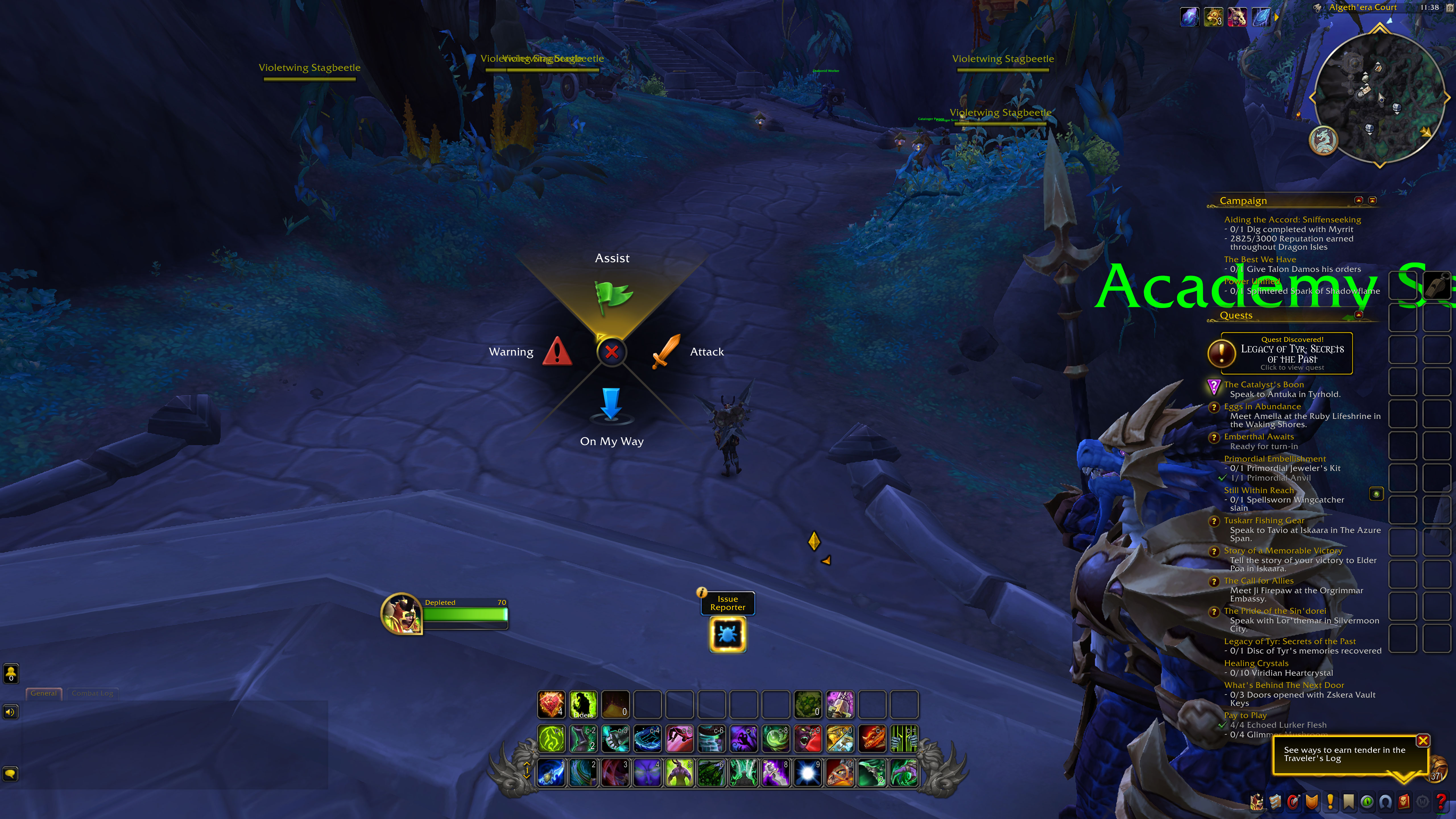
A Ping System tutorial can be accesed on the Options > Ping System page.
How Does It Work?
Holding the G button opens up a ping wheel where you can quickly call out commands such as Attack, Assist, Warning, and On My Way.
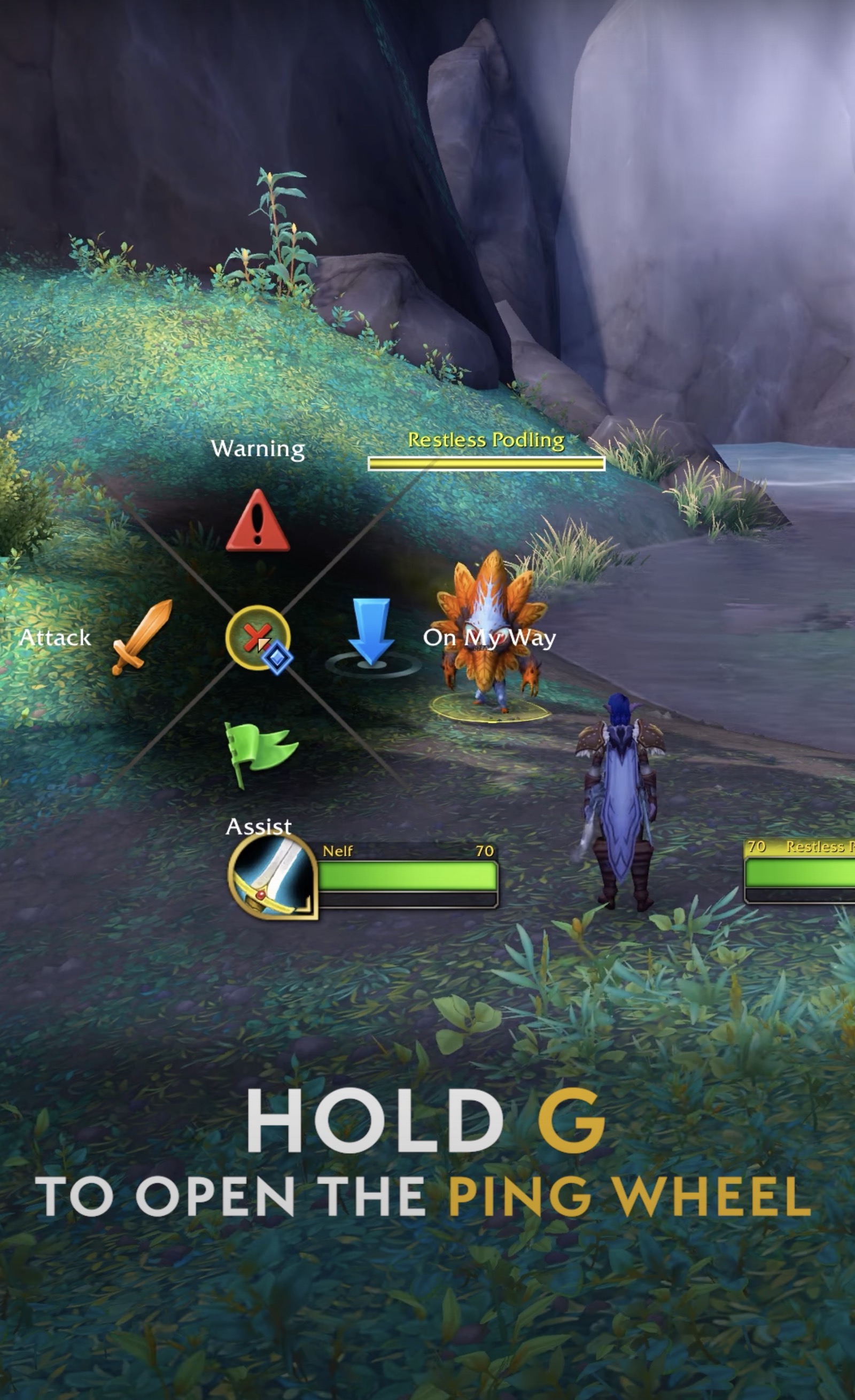
Drag your mouse for the desired ping.
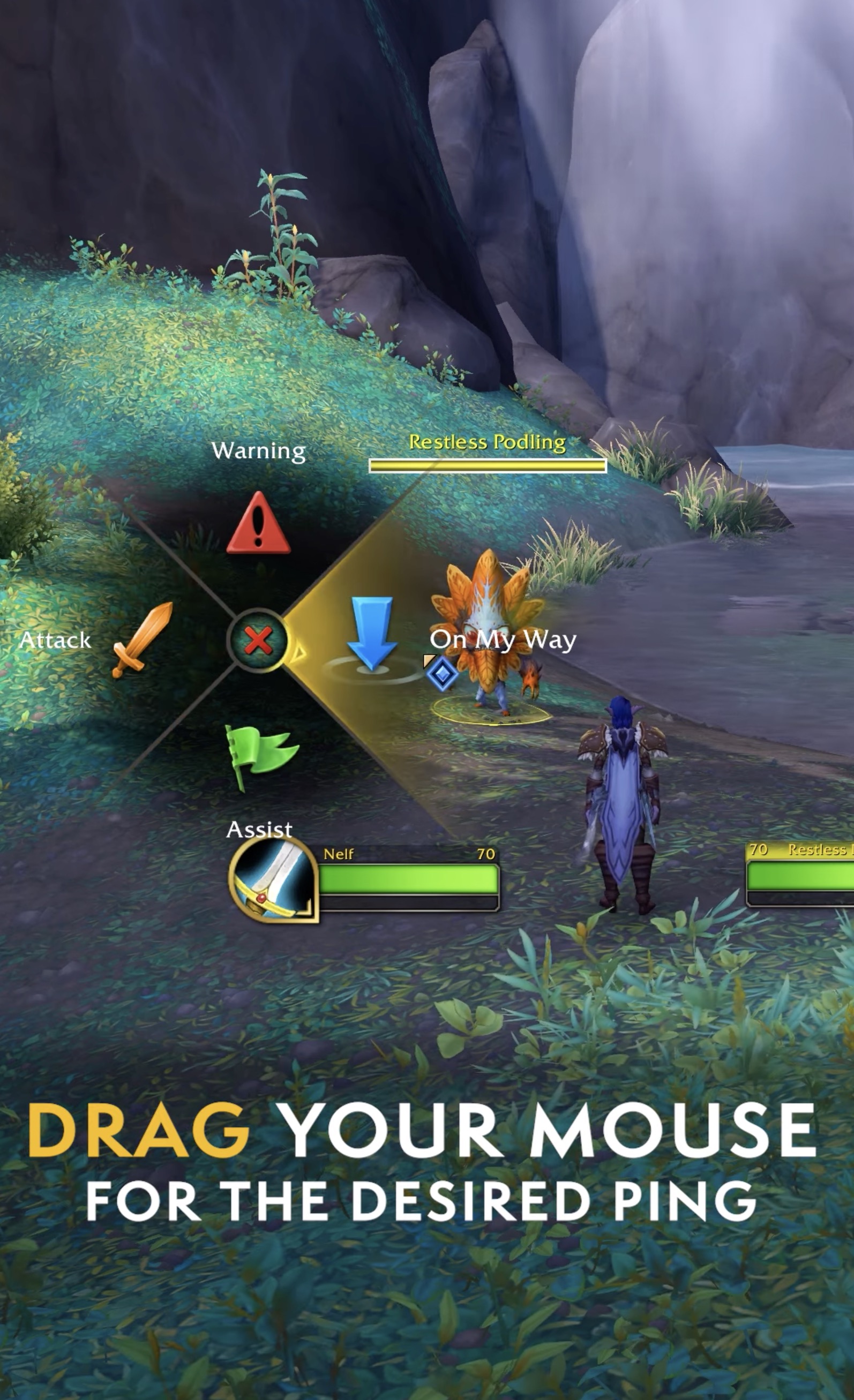
You can ping a location, a unit, or a unit frame.
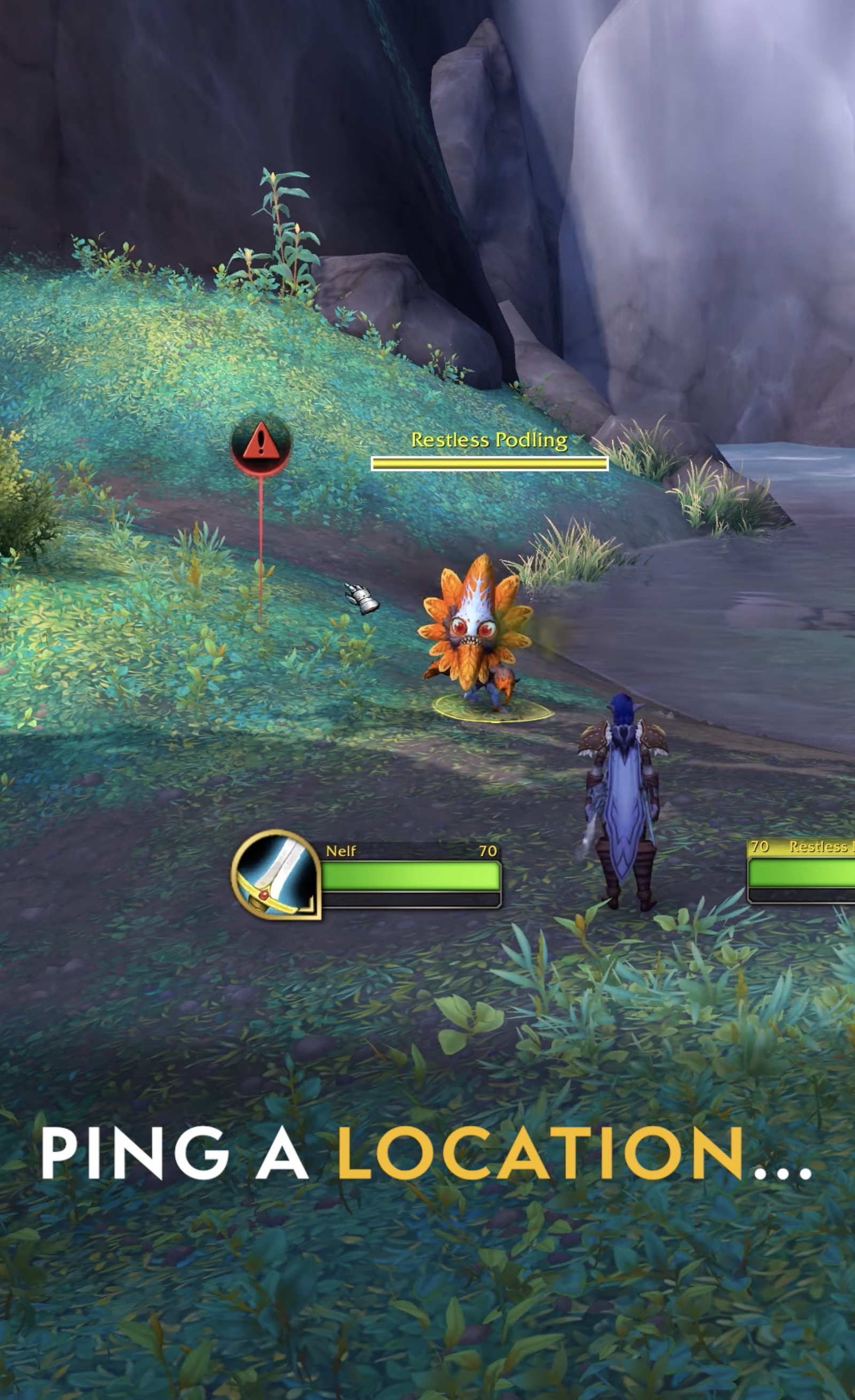
You can also send contextual pings by pressing G while the cursor is on an enemy, the ground, or the unit frames.
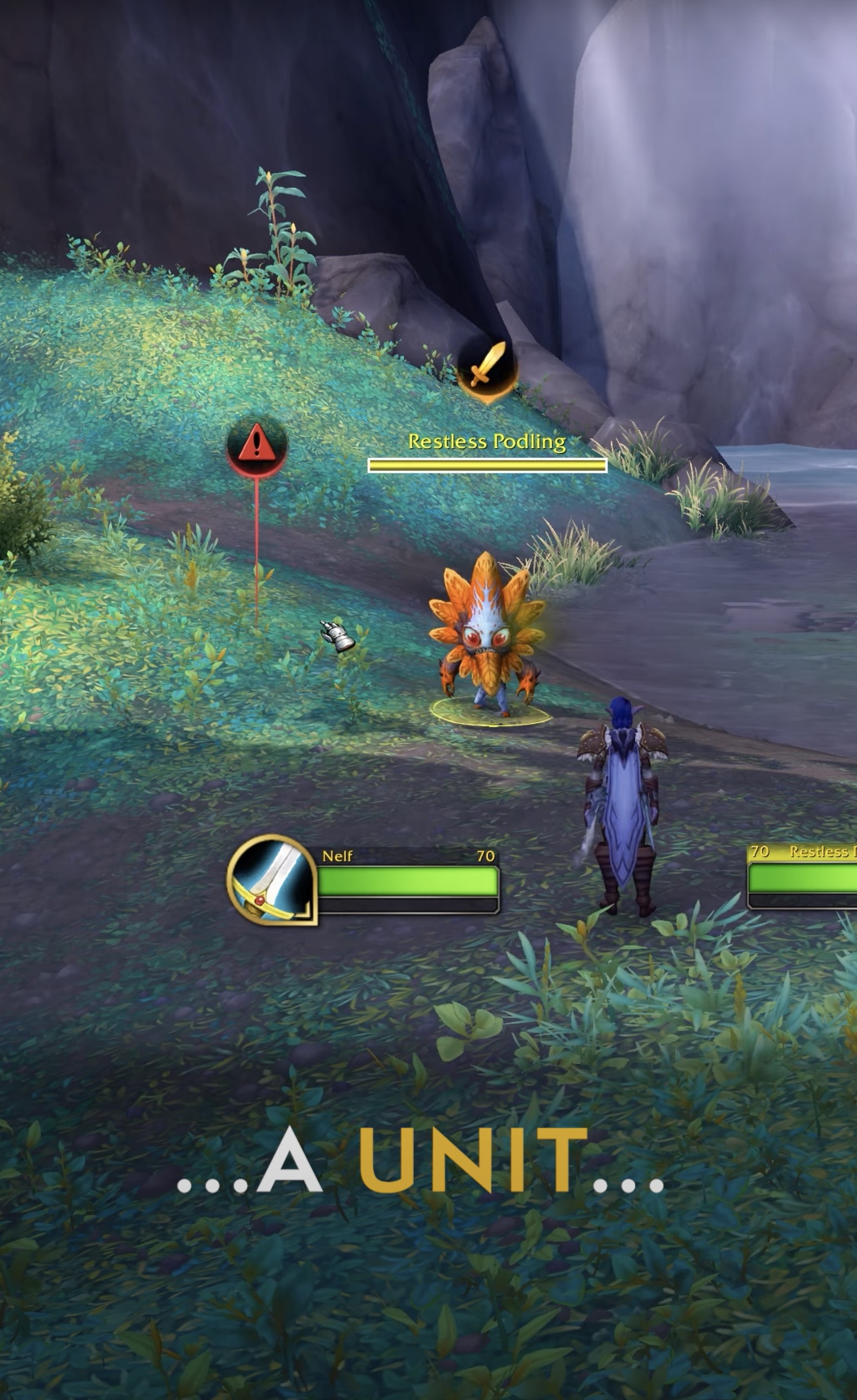
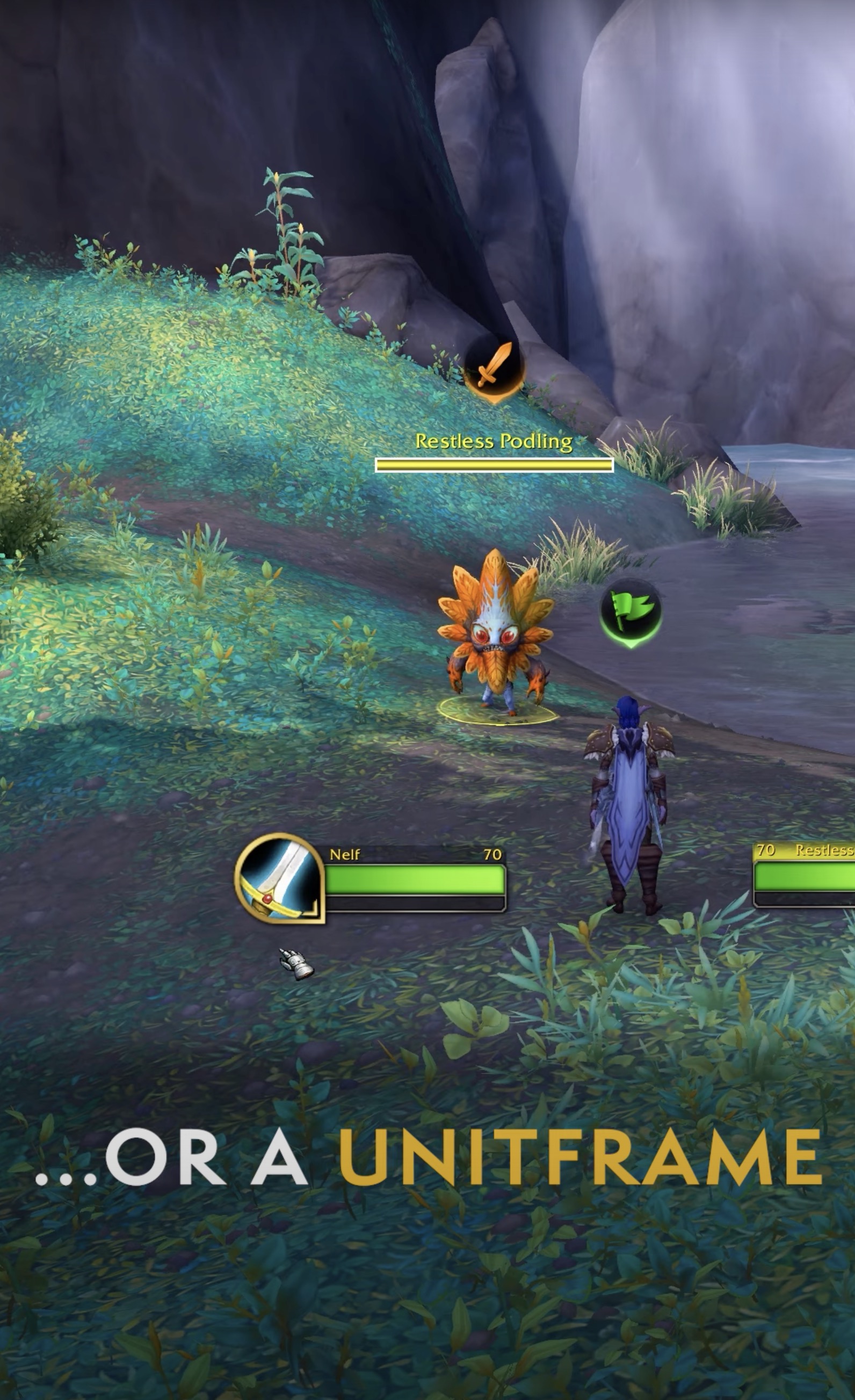
Ping Sysyem Settings
The new Ping System can be enabled and customized under Game Options.
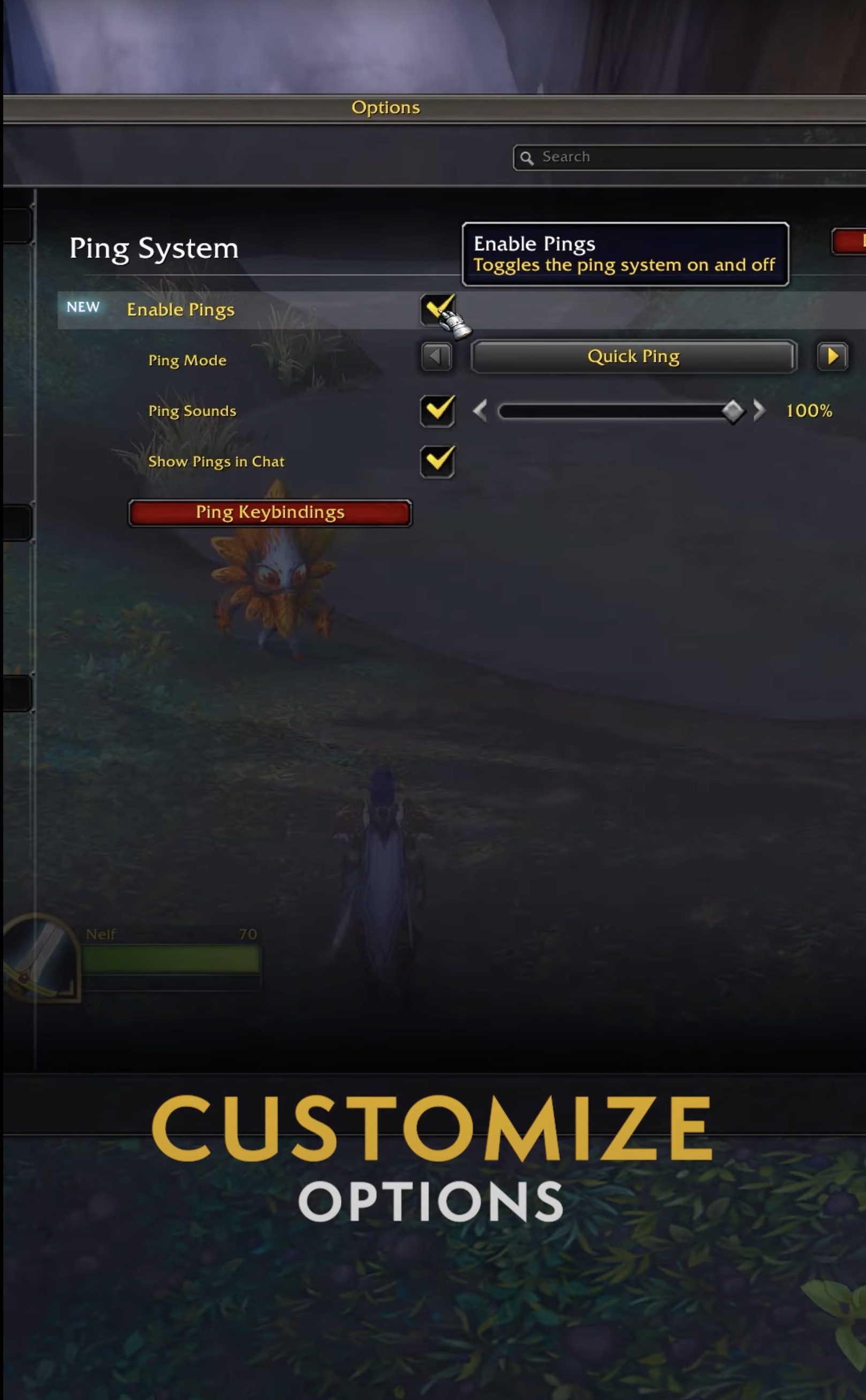
Ping System Keybinds
Set up keybinds for individual ping commands in the Keybinds Menu.
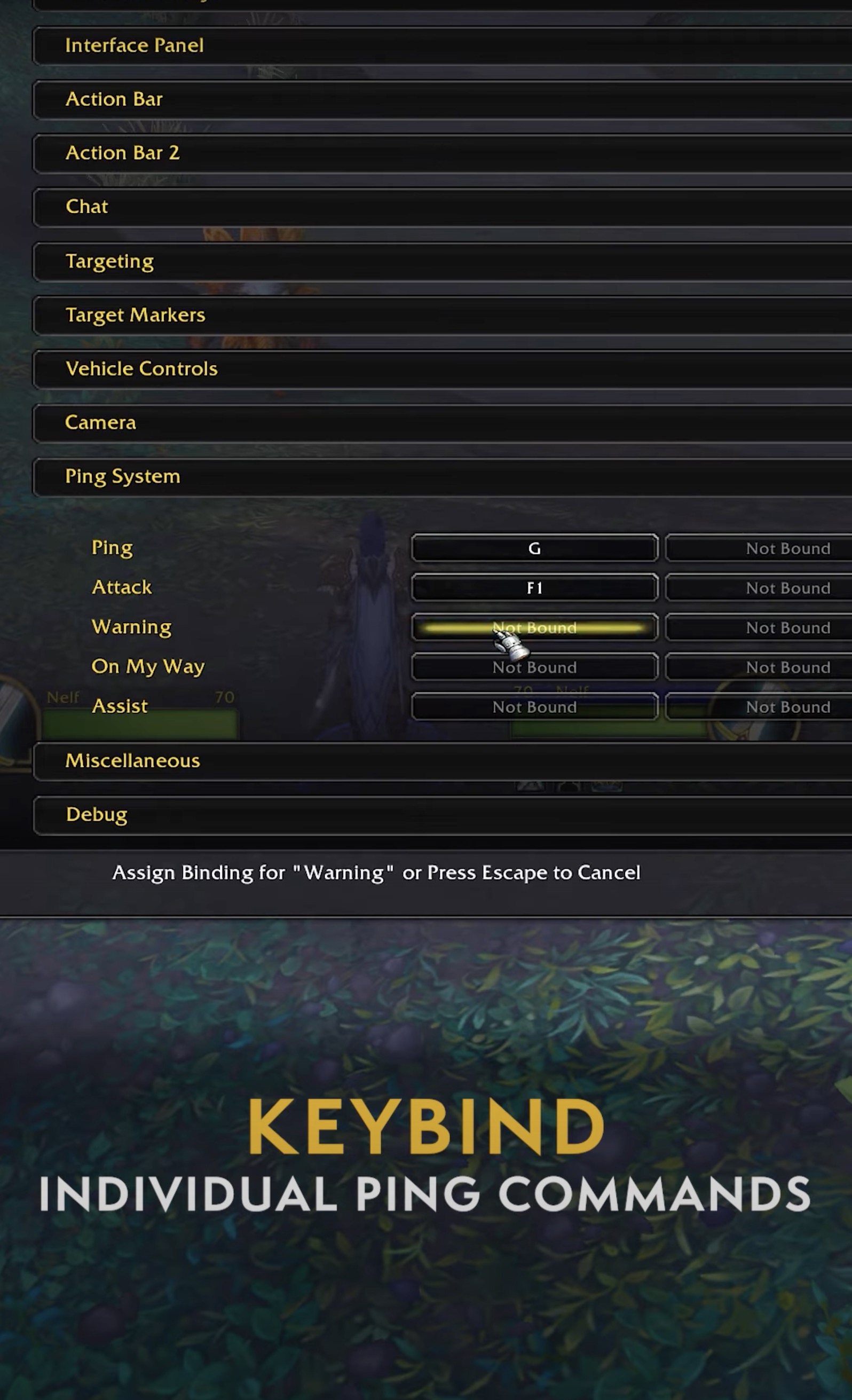
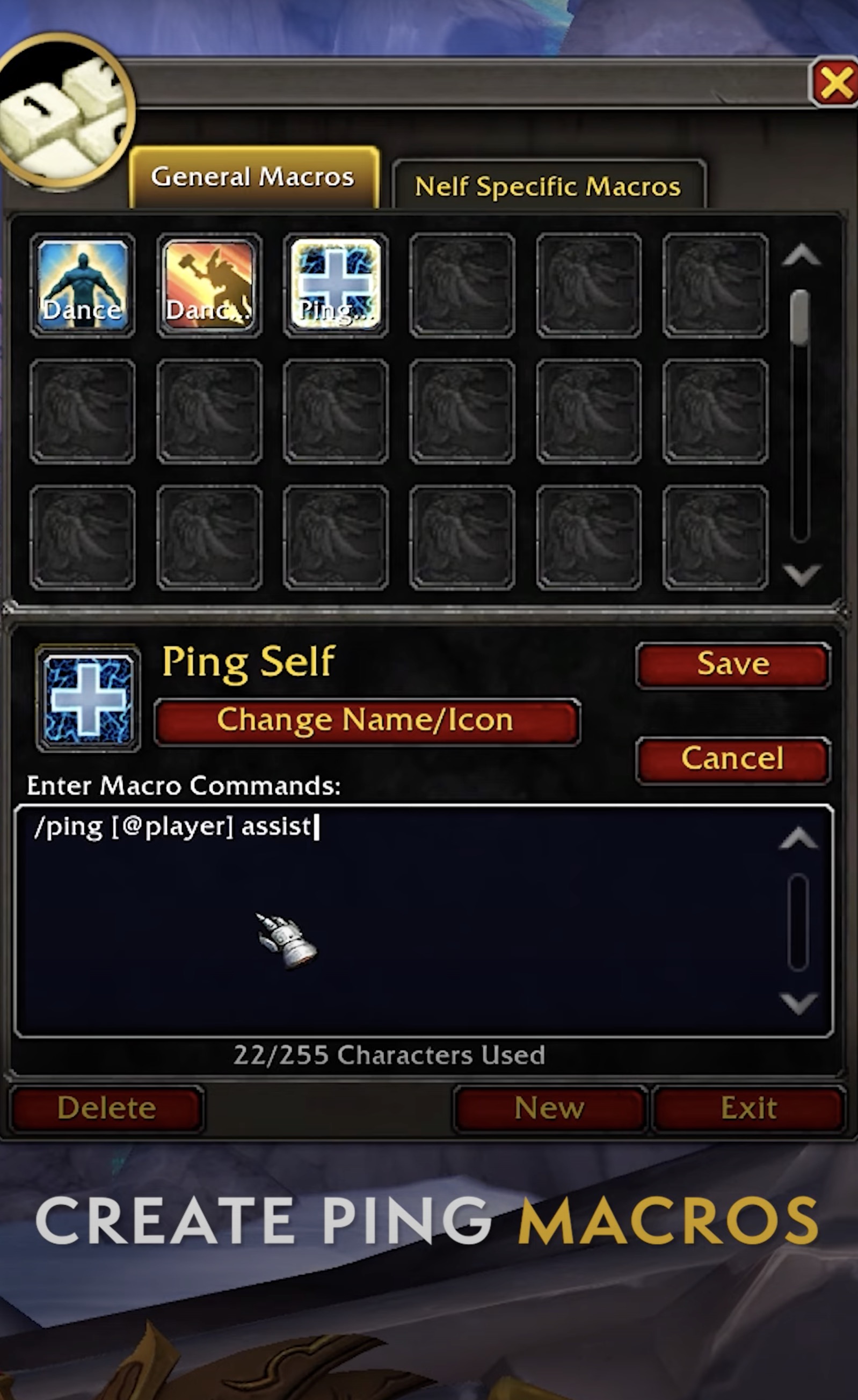
Macro Support for Ping Commands
The new Ping system allows you to create macros for the following Ping commands:
- /ping
- /ping attack
- /ping assist
- /ping onmyway
- /ping warning
Pings and Ignored Players
Ignoring players will automatically silence their pings.
Changelog
- 01 Sep. 2023: Guide added.
- Warcraft Returns! 10th Anniversary Edition SteelBook Now Available for Pre-Order
- Insane Solo Ritual Site Farm Is Printing Hero Crests in WoW Right Now
- This Bonus Roll Hack Could Boost Your BiS Chances in WoW This Week
- Class Fixes and Dungeon Tuning: Midnight 12.0.5 Hotfixes, April 28th
- Updating Quel’Thalas: New Blizzard Video on Rebuilding the Zone for Midnight
- How to Obtain All Collectibles From the Broken Throne Ritual Site
- Where Does Your Class Rank in DPS? 12.0.5’s Winners and Losers Are Clear
- WoW Patch 12.0.7 Is Already in Internal Testing and Adds Another One-Boss Raid