




Learn about Transmogrification, the system that allows you to customize your gear's appearance while retaining its original stats!
Transmogrification Basics
Transmogrification is a system that lets you change the appearance of your equipped gear to look like other armor you have collected, without changing your original gear's stats. Adopted from Retail WoW (and Classic WoW post Cataclysm), this system adds a whole new layer of customization to your characters.
Opting Into the Transmog System
In WoW Forever, participating in the transmogrification system is entirely optional.
Characters start with the system turned off, and you can turn it on at any time by speaking to a transmogrification NPC in any major cities. Transmogrification turned off means you will see the original gear appearances for both yourself and other characters, even if other people have transmogs applied to their gear.

FAQIf I choose to not engage with the transmogrification system, can I still transmog my gear?
Transmogrification NPC Locations
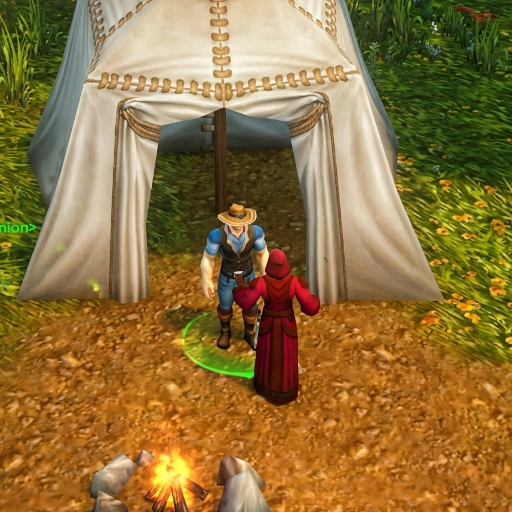
There are two transmogrification NPCs; one for the Alliance in Stormwind, and one for the Horde in Orgrimmar.
| NPC | Coordinates | Description |
|---|---|---|
| Fyrenz Vishonar (Stormwind) |
48.0 84.5 | At the Mage Quarter area, behind the mage tower. |
| Mon'ye (Orgrimmar) |
46.1 53.9 | In the Cleft of Shadow, on the second level, to the right of the Barber Shop. |
Obtaining Appearances For Transmog
You can obtain appearances to transmog your gear with by... playing the game!
Each piece of gear you loot is learned as a transmog appearance for your character. For pieces that are bound in any way, shape or form, you will learn their appearance once you bind them to a character. In the case of rare drops such as dungeon gear, every player in your party will earn their appearance - Even if you lose the roll!
You can check which appearances your character has collected by checking the Appearance menu, with the default keybind of SHIFT + P.

FAQWhat About Appearances My Character Cannot Use?
Applying Transmogs To Your Gear
You can change the appearance of your gear by talking with any of the transmogrification NPCs and choosing the option "I'd like to change the appearance of my equipment". This will open a menu with your character, your current set of armor, and the option to change any of your currently equipped appearances.

Changing the appearance of a piece of gear costs a small amount of money. Changed appearances apply to the slot itself. As an example, if you change the appearance of your Chest, all chests your character equips will automatically change to the selected appearance.
Transmogrification Outfits
With the transmog menu, you are able to save sets of gear, called Outfits. Each outfit slot allows you to save a full set of changed appearances, which can be changed at any time. You start out with two free outfit slots, and you are able to purchase up to 50 outfit slots, with increasing amounts of money per slot.
| Outfit Slot | Money Cost |
|---|---|
| 1-2 | Free |
| 3-4 | 10  each each |
| 5 | 20 |
| 6 | 35 |
| 7 | 50 |
| 8 | 1  |
| 9 | 2 |
| 10 | 3 50 |
| 11 | 5 |
| 12-16 | 10 each |
| 17-21 | 20 each |
| 22-31 | 35 each |
| 32-41 | 50 each |
| 42-51 | 100 each |
Transmog Situations
Another layer of customization you can use with transmogs are called Situations. Situations allow your transmogged gear to change its appearance automatically, depending on what your character is doing, where in the world your character is, and even factors like weather and time of day. You can choose situations to change your transmog with on the Situations tab of the Transmogrification menu.
You have the following row of options for Situations, and you can choose multiple situations for each Outfit appearance:
| Situation Category | Options |
|---|---|
| Locations | All Locations Rest Area Character Select World Dungeons Raids Arenas Battlegrounds |
| Movement | All Movement Unmounted Swimming Ground Mount Flying Mount |
| Specializations | All Specializations Primary Talent Choice Secondary Talent Choice |
| Weather | All Weather Clear Rain Snow Sand |
| Time of Day | Morning Midday Evening Night |

Changelog
- 19 Sep. 2026: Guide Added.